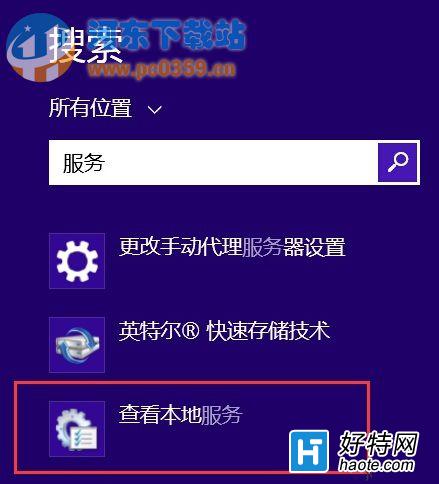
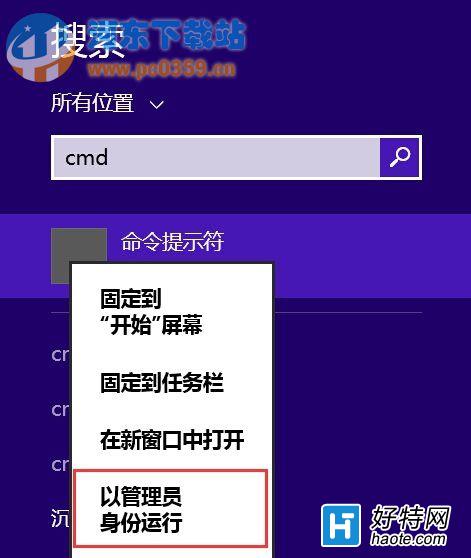
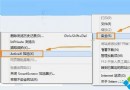
實體記憶體充足卻頻彈「記憶體不足」,常見兩大主因與對策:
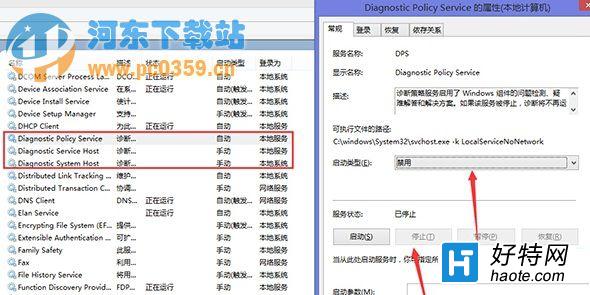
Diagnostic Policy Service
Diagnostic Service Host
Diagnostic System Host
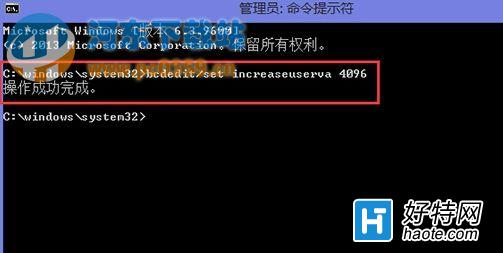
bcdedit /set increaseuserva 4096
若上述兩法皆無效,建議備份資料後重裝系統徹底解決。
Windows 8 新增印表機完整圖文教學
Win8 桌面圖示重複/雙重顯示?修復 IconCache 註冊表鍵值與 Shell Bags 徹底解決
Windows 8 開始畫面「影片」應用程式播放技巧:開啟、控制、縮圖預覽全螢幕
Win8.1 系統映像備份完成後如何還原?進階啟動選單執行映像還原
解決 Windows 8 Modern 應用 (天氣、郵件等) 無法開啟:必須登入 Microsoft 帳號
Windows 8 承載網路 (虛擬熱點) 設定完整指令教學
預裝 Win8 無法網路啟動?電話啟動完整步驟圖解
Win8 四種關機方法大全:快捷鍵、實體鍵、指令、鎖定畫面任君選擇