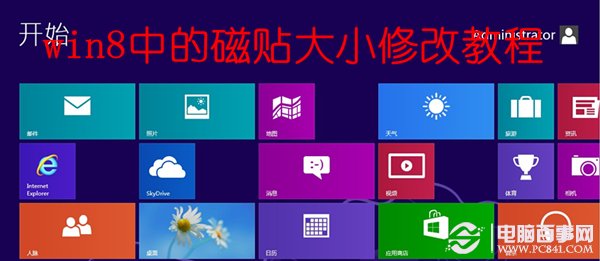
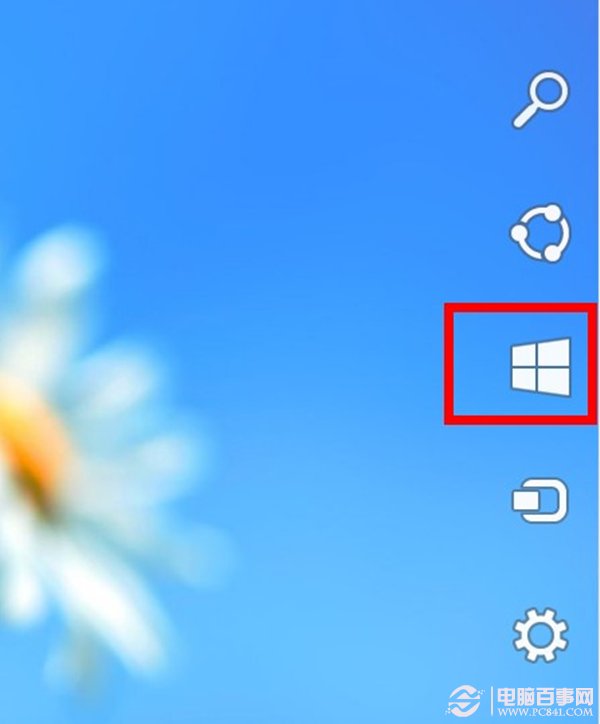
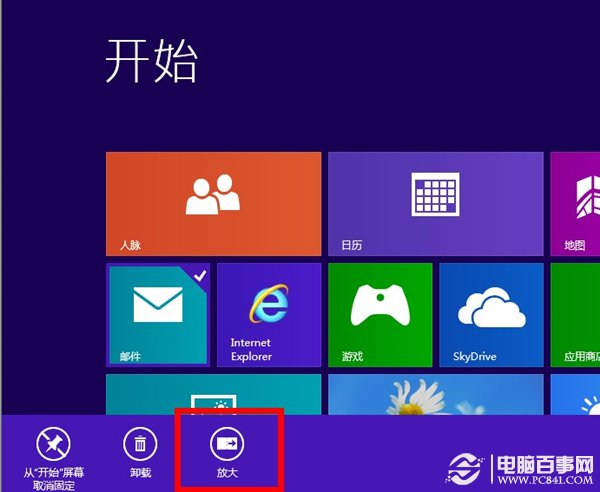
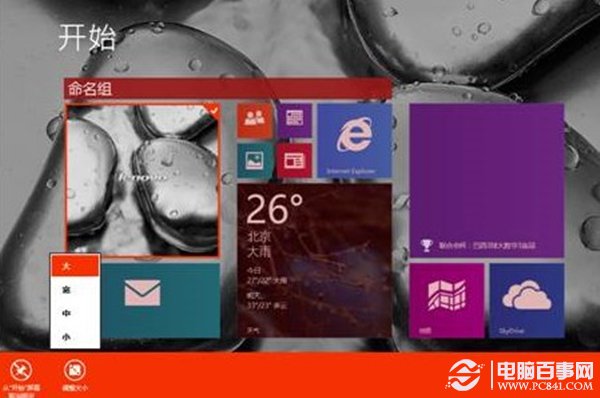
Metro 開始畫面的動態磚是 Windows 8 最大特色,預設大小不一,視覺上可能雜亂。只需滑鼠右鍵即可自由調整磚尺寸,打造整齊美觀的開始畫面。
善用尺寸變化,可將常用應用放大、次要應用縮小,配合拖曳排序,打造專屬高效開始畫面。
Windows 8 登出時自動清除動態磚塊過期通知:群組原則啟用「登出時清除磚塊通知歷程記錄」
Win 8 重裝僅需 6 分鐘:重置/重整功能詳解
實測 Win8 vs Win7:開機、連 Wi-Fi、USB 隨身碟卸載速度大比拚
Win8 任務管理員五大啟動法:Ctrl+Shift+Esc、Ctrl+Alt+Del、Win+X、搜尋、Win+R 執行 Taskmgr
全面解析 Windows 8 三大版本核心安全新功能
Windows 8 CP 安裝使用指南(六):開機、關機、睡眠操作變革
Windows 8 內建燒錄功能完整實測:資料光碟、音樂 CD、ISO 映像檔一站式燒錄
Windows 8 Metro 程式分畫面顯示技巧:註冊表強制啟用