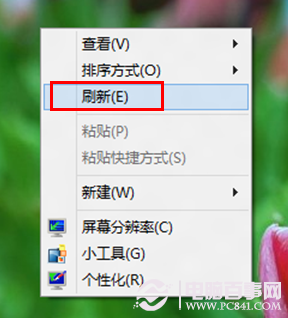
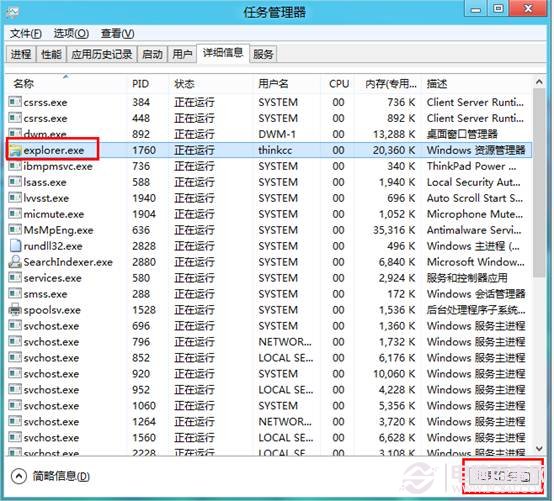
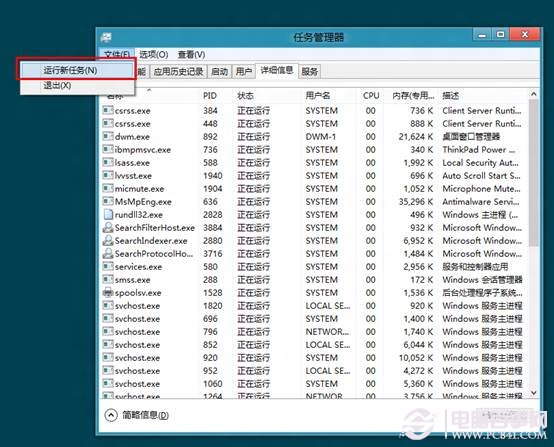
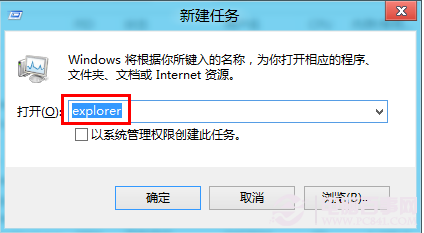
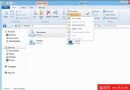
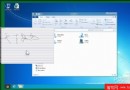
開啟資料夾導致檔案總管卡死(滑鼠鍵盤無反應),可透過工作管理員重新啟動 explorer.exe 進程快速恢復,無需重開機。
explorer.exe
explorer
注意: 此法僅為臨時恢復,若頻發請檢查硬碟健康度、更新顯示卡驅動或掃毒。
Windows 8 臉部辨識登入:像 Kinect 一樣坐下就能進系統
Windows 8 網路連線設定入門:從 Metro 介面到傳統網路共用中心
Win8 Win+X 選單無法叫出?複製正常電腦的 WinX 資料夾至 AppData\Local\Microsoft\Windows 即可修復
Windows 8/7 下快速更換 Office 2010/2013 產品金鑰的兩種方法
Windows 8 人人客戶端登入使用登出簡評
解決 Windows 8 安裝提示 "something happened" 錯誤
Windows 8 清除應用商店快取:wsreset 指令一鍵解決
Metro 版 IE10 與桌面版 IE10 對決:預設開啟模式與使用者選擇權