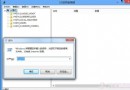
Windows 7 的「遊戲總管」在 Windows 8 中雖被隱藏,但功能仍保留。透過建立特殊捷徑即可快速存取,方便管理已安裝且支援遊戲總管的遊戲。
%SystemRoot%\explorer.exe /E,::{ED228FDF-9EA8-4870-83b1-96b02CFE0D52}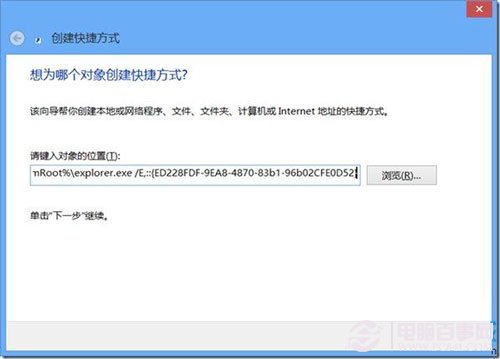
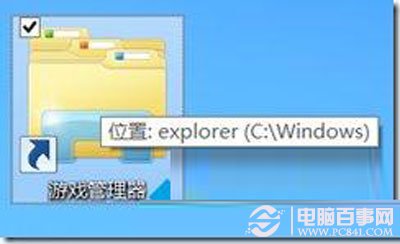
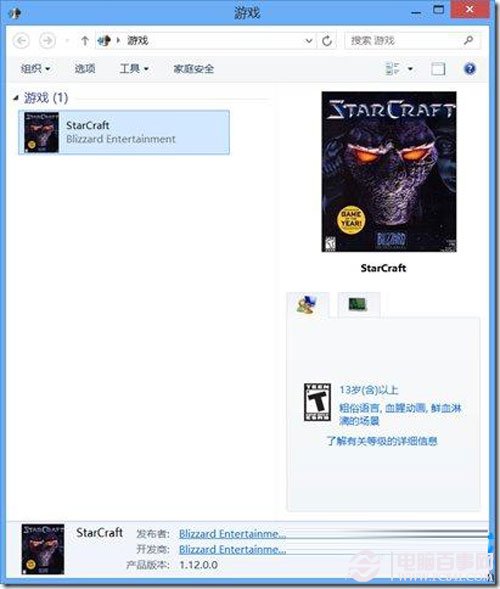
此法適用於習慣傳統遊戲管理介面的使用者,讓您在 Windows 8 也能輕鬆集中管理遊戲。
迷你 KMS 啟用 Win 8.1 詳細圖文教學:含伺服器設定與啟用狀態驗證
Windows 8 入門操作完全指南:手勢、鍵盤快速鍵、多工作業、搜尋、常見工作、帳號同步
Win8 關閉 Metro 應用程式兩大招:滑鼠拖曳到底或左上角熱區右鍵關閉
Windows 8 M2 Build 7955 隱藏功能解鎖:RedPill 工具啟用 Modern 登入、新任務管理員、Immersive 瀏覽器
Windows 8 錯誤 0x80070005 拒絕存取怎麼解決?以管理員身分執行修復教學