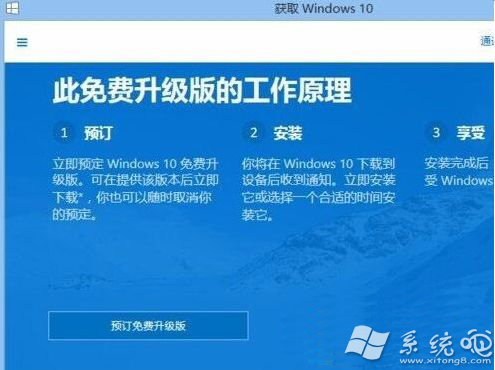
Win8.1 未出現「取得 Windows 10」圖示,通常缺少 KB3035583 更新 (GWX 升級工具載入器)。檢查安裝該更新並手動觸發 GWX 即可喚醒升級推送 (註:免費升級優惠官方已結束,但工具仍可用於升級安裝)。
dism /online /Get-Packages /Format:Table | findstr 3035583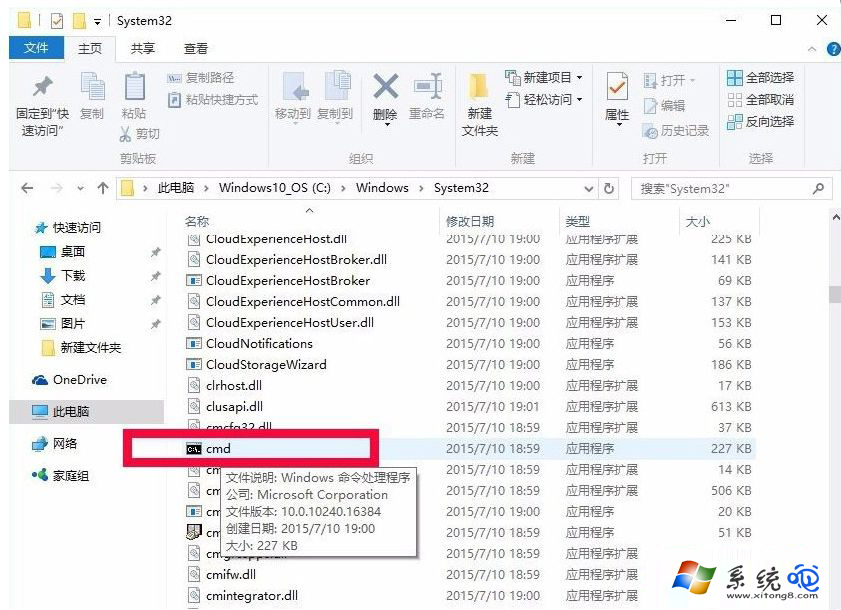
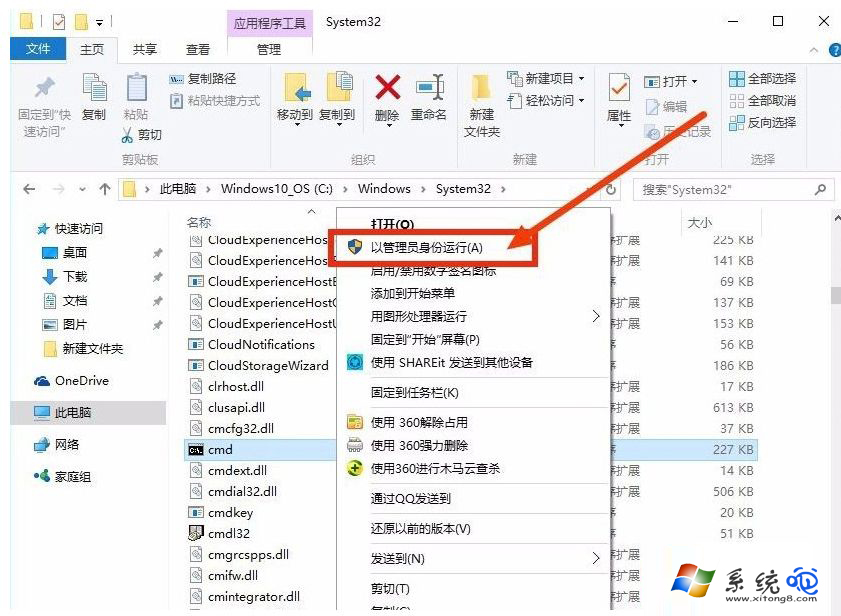
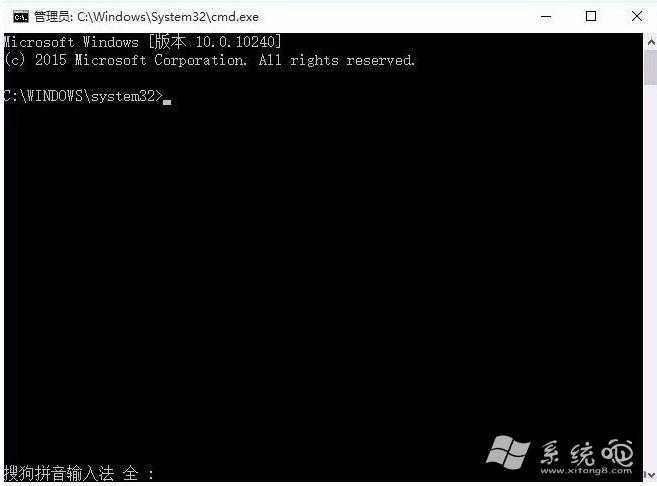
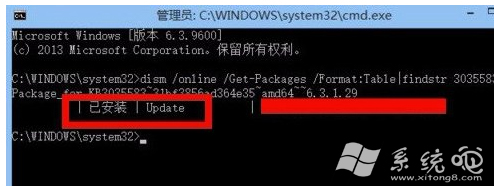
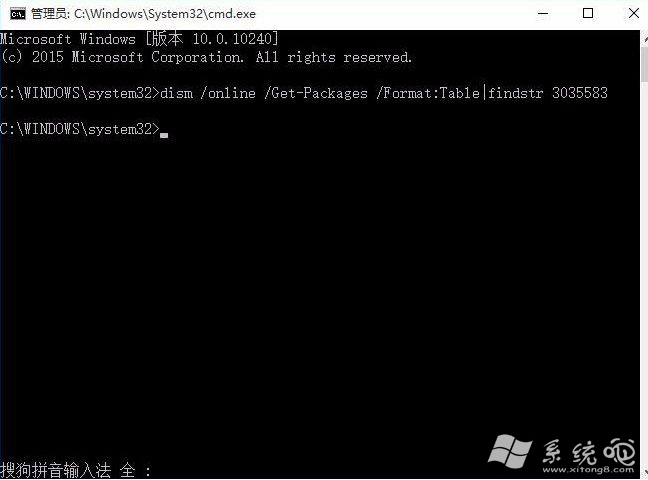
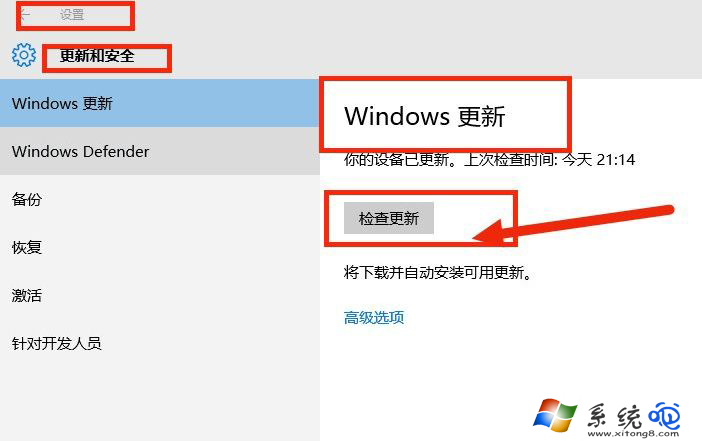
%windir%\system32\GWX\GWXConfigManager.exe /RefreshConfig & ping 127.0.0.1 -n 2 > nul & %windir%\system32\GWX\GWX.exe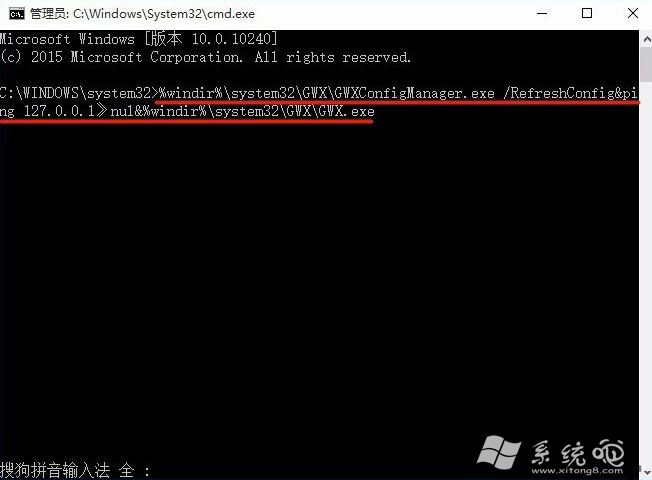
Windows 8 無權限使用相機 應用程式權限中開啟攝影機與麥克風
Windows 8.1 Update 開始畫面電源按鈕移除:登錄編輯器備份→修改 ImmersiveShell 隱藏電源鈕
Win8 防禦 ARP 攻擊絕招:CMD 手動綁定 MAC-IP 映射,無需第三方防火牆
Windows 8 Metro 界面 IE10 体验:无 Flash、无网银插件、HTML5 视频尚不普及,桌面版 IE10 成刚需
Windows 8 開機 CPU 佔用高、硬碟燈狂閃:Microsoft 帳號家庭群組同步導致,離開家庭群組即時解決
Windows 8 管理無線網路設定檔指令教學:netsh wlan 指令查看、刪除、顯示密碼、停用自動連線