Windows 8/8.1 應用商店下載應用出現 0x80073CF9,主因是 Spupdsvc.exe (服務堆疊更新服務) 損毀或系統檔案不一致。依序執行:重命名 Spupdsvc.exe → sfc 掃描修復 → Windows Update 重置 → 建立必要資料夾,可解決多數情況。
Cmd /c ren %systemroot%\System32\Spupdsvc.exe Spupdsvc.old。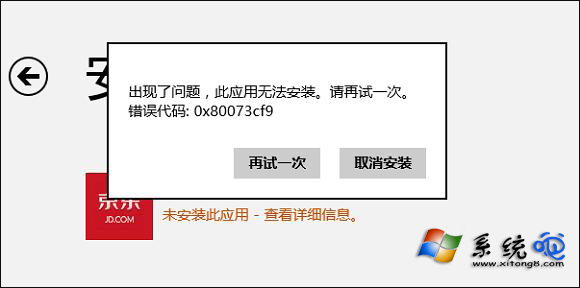
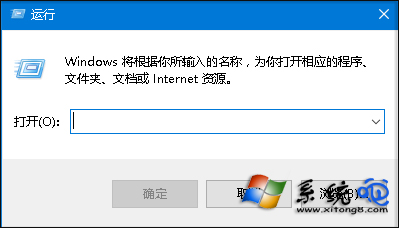
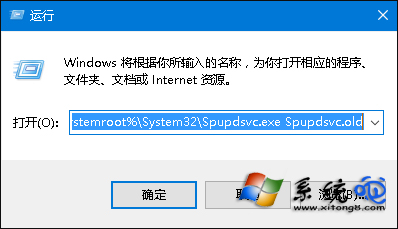
C:\Windows\System32 確認並重命名。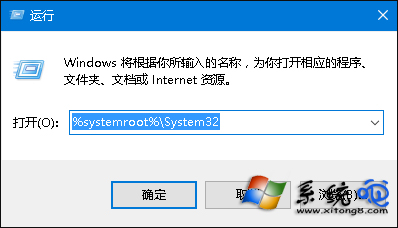
sfc /scannow 掃描修復系統檔案。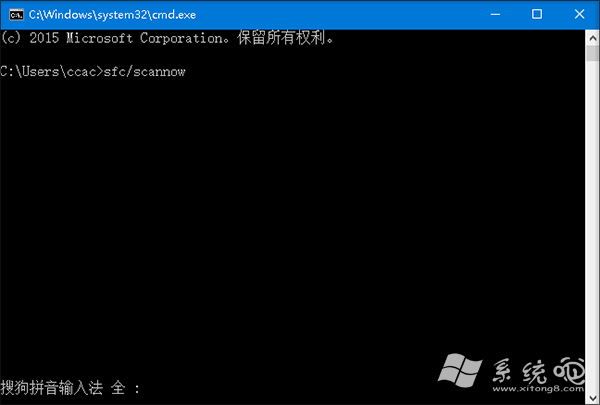
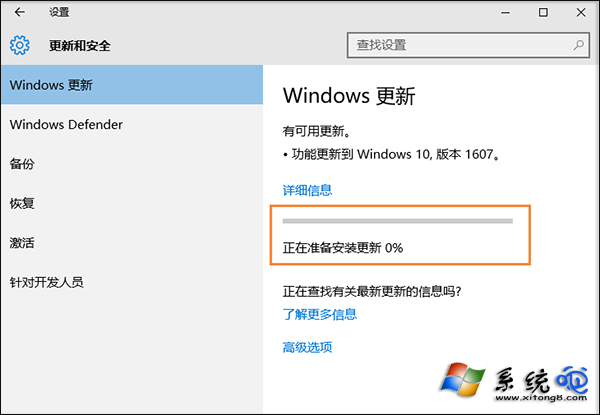
C:\Windows\AppReadinessC:\Windows\AUInstallAgent (若不存在)C:\Program Files\WindowsApps (權限設為 SYSTEM/Administrators 完整控制)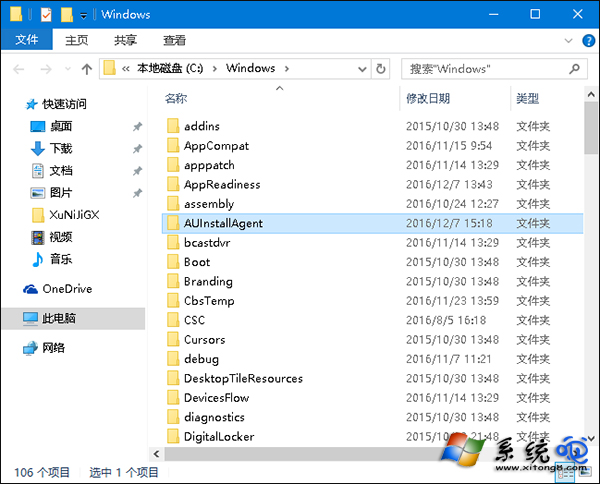
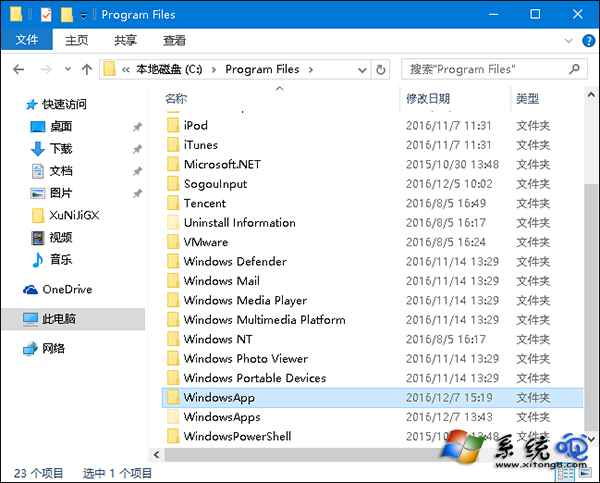
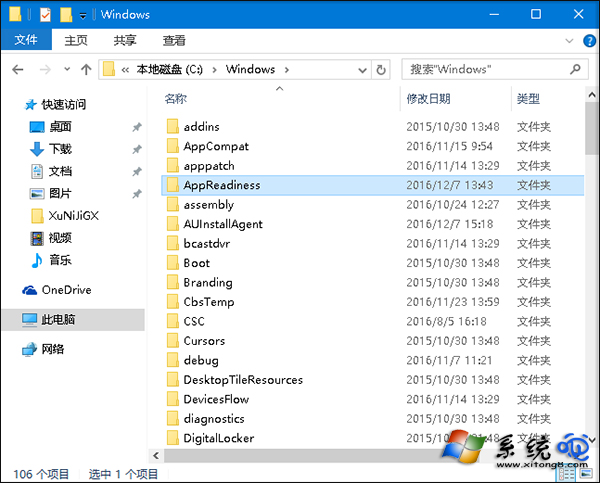
Spupdsvc.exe 負責服務堆疊更新,損毀會導致應用商店無法正確暫存/安裝套件。上述步驟修復該檔案與相關系統元件,並確保應用商店儲存路徑權限正確。