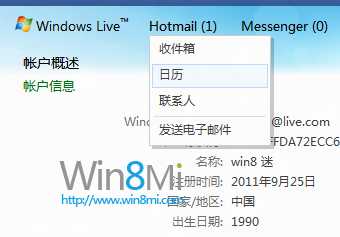
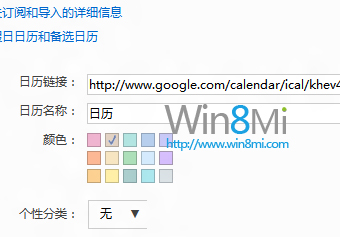
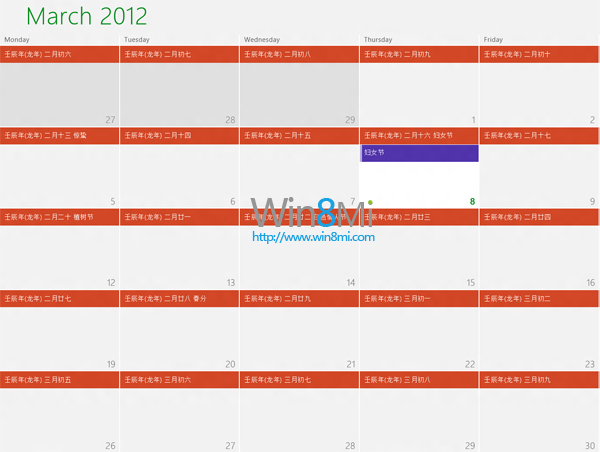
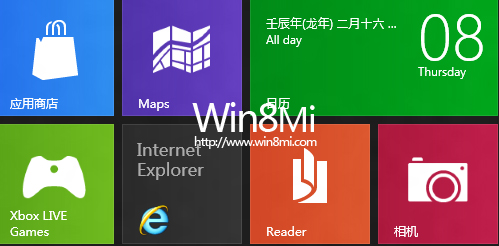
Windows 8 Metro 行事曆預設不顯示農曆與台灣節假日,可透過訂閱網路行事曆 (ICS) 方式加入。
www.google.com/calendar/ical/khev4hvo95dho74k3km1joavc0%40group.calendar.google.com/public/basic.ics
ical.mac.com/ical/China32Public32Holidays.ics
訂閱一次,所有裝置同步顯示,方便又實用。
Windows 8/8.1 進入安全模式完整教學:三種方法適用不同情境
Win8 預設輸入法設定圖解
Win8 開機卡住「無法完成更新 正在復原變更」?強制關機三次進入復原環境還原系統
Win8 雲端整合:OneDrive 讓檔案、照片、設定跨裝置無縫同步
Windows 8 開發者預覽版暫不完善支援 USB 2.0/3.0 裝置:官方解釋與暫時對策
Windows 8 入門操作技巧大全(一):鎖定畫面、開始畫面、Charms、搜尋、任務切換、關閉應用、關機、IE 雙模式、多螢幕、天氣、拼寫檢查、管理員執行、休眠選項、自動登入、Win 鍵速查、任務列數字啟動
如何取得 Win8 開發人員授權:Visual Studio / PowerShell 指令完整指南、授權期限與風險說明
Windows 8 EFI 模式硬碟安裝完整教學:GPT 分區、FAT32 啟動區、EFI Shell 啟動全流程