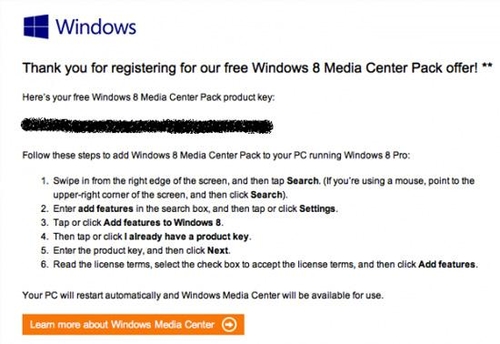
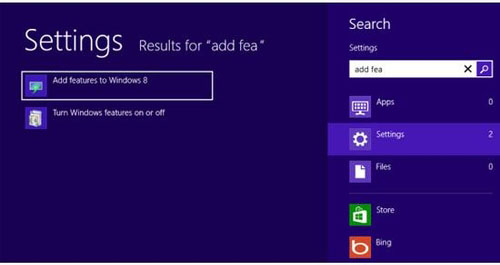
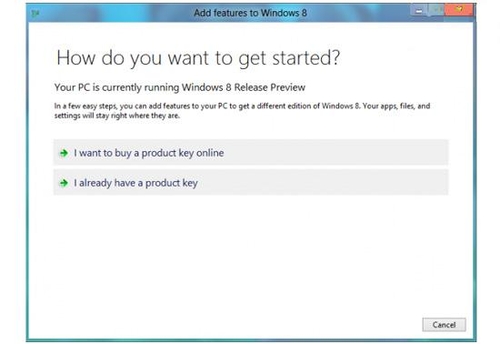
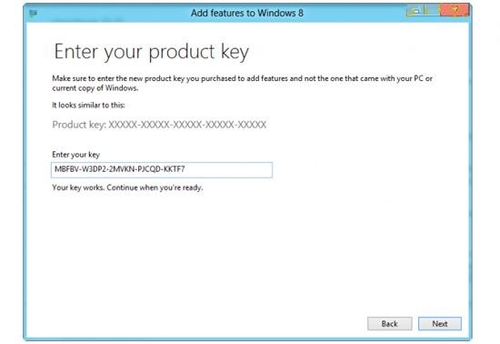
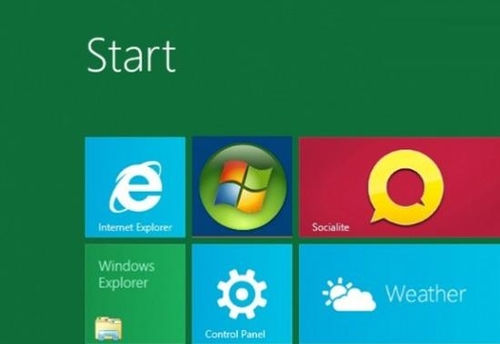
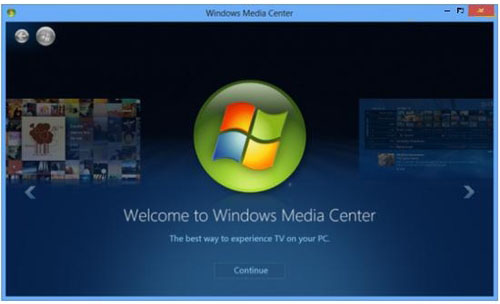
Win8 Media Center 安裝完整圖文流程:
Windows 8 透過登錄表修改磁碟機代號顯示名稱:解決無法重新命名問題
Win8.1 應用檢視排序自訂:依類別/名稱/安裝日期/使用頻率,並可優先顯示桌面應用
Windows 8.1 開始按鈕完整操作指南:位置、行為、所有應用檢視、開機直進桌面、共用背景
Win8 刪除文件不再彈出確認對話框?微軟官方解釋與恢復方法
Win8 清除 DNS 快取:ipconfig /flushdns 一鍵解決網頁無法開啟
Windows 8 關閉工作列跳躍清單「最近開啟項目」保護隱私
Windows 8 消费者预览版 Chrome 无法设为默认浏览器解决:控制面板→默认程序→设置 Chrome 为默认值
解決 Windows 8.1 關機後自動重開機的三大方法