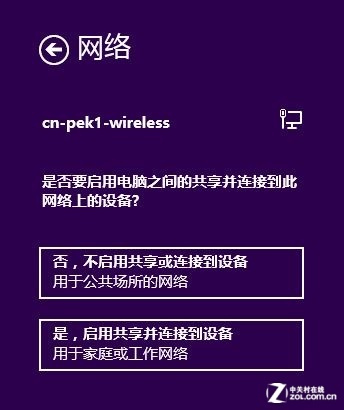
應用商店無法連線常見原因
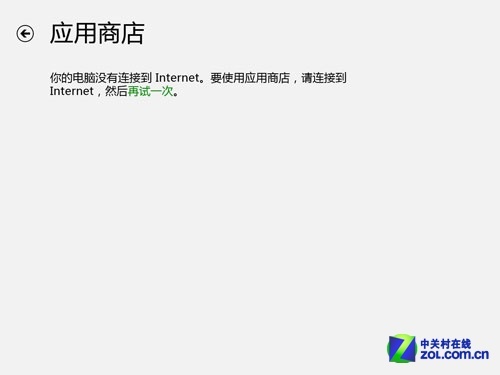
Windows 8 應用商店打開顯示連線錯誤,可能因網卡硬體問題、網路設定異常、應用程式本身故障。本文提供軟體層面解決方案。
使用 CMD 指令修復網路設定
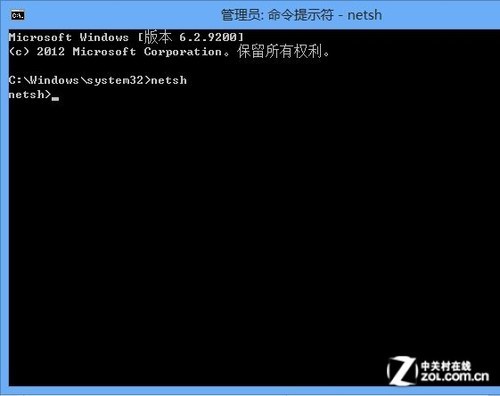
- 滑鼠移至左下角右鍵或按 Win + X,選擇「命令提示字元 (系統管理員)」。
- 依序輸入以下指令,每行按 Enter:
netsh
winhttp
import proxy source=ie
- 重新啟動電腦,通常即可恢復應用商店連線。
指令功能說明
netsh:重設網路組態。winhttp:修復 Windows HTTP 服務與介面處理。import proxy source=ie:從 IE 匯入 Proxy 設定修復 IE 相關網路問題。
後續檢查步驟
- 若仍無法連線,以桌面瀏覽器測試網頁瀏覽是否正常。
- 檢查其他需網路的應用程式是否運作正常。
- 檢查「網路共用中心」中「變更進階共用設定」,確認網路探索、檔案共用未關閉(部分用戶回報關閉共用後解決問題)。