Aero Lite 為 Win8 隱藏的輕量主題,啟用透明效果後視窗邊框呈現半透明質感,資源佔用比完整 Aero 低。
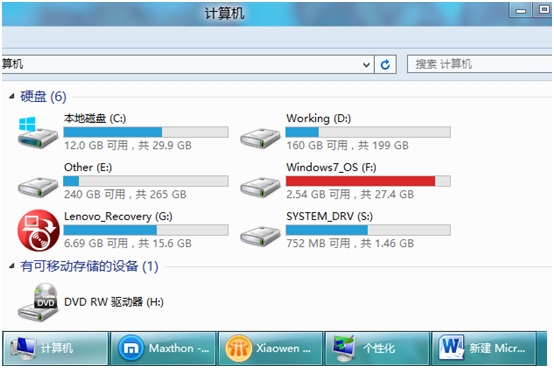
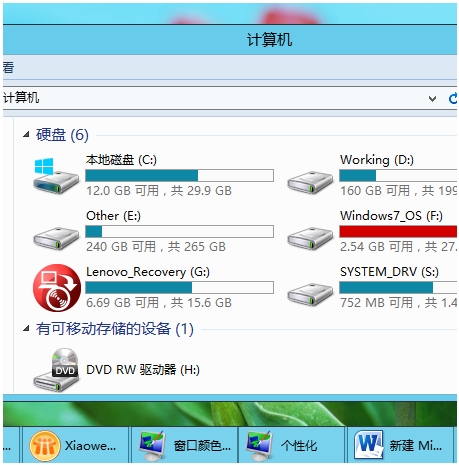
啟用步驟
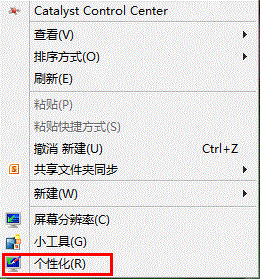
- 桌面右鍵 → 「個人化」。
- 確保當前為「Windows 預設主題」 → 點擊「視窗顏色」。
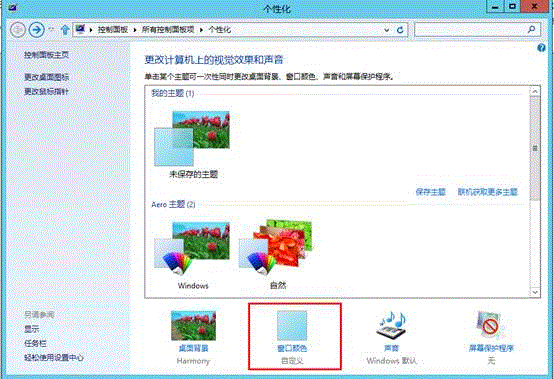
- 取消勾選「啟用透明效果」。
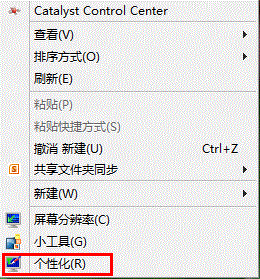
- 再次桌面右鍵 → 「個人化」。
- 「基本和高對比度主題」區選擇 「Windows 基本」。
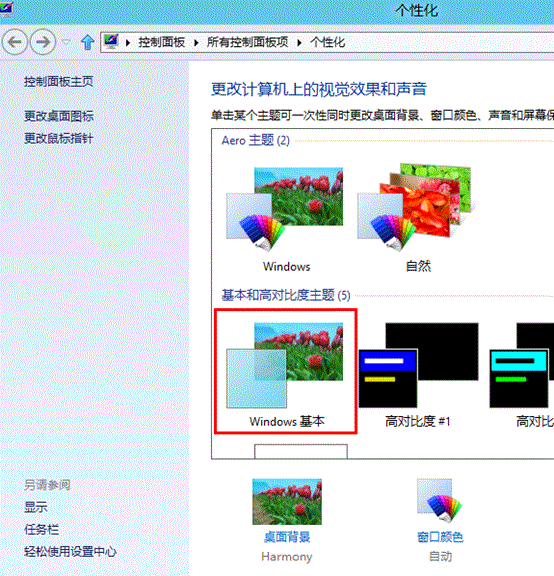
- 此時已啟用 Aero Lite(無透明)。
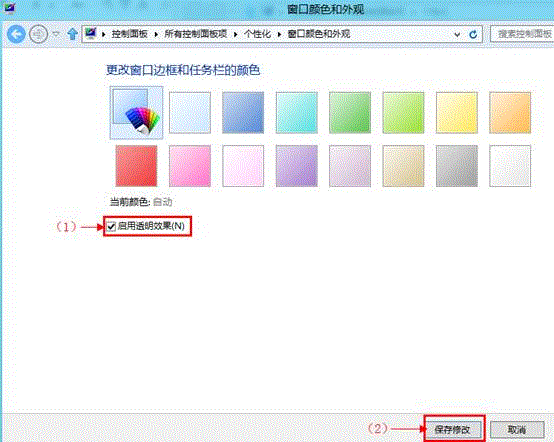
- 回到步驟 2 開啟的「視窗顏色」視窗 → 勾選「啟用透明效果」 → 「儲存變更」。
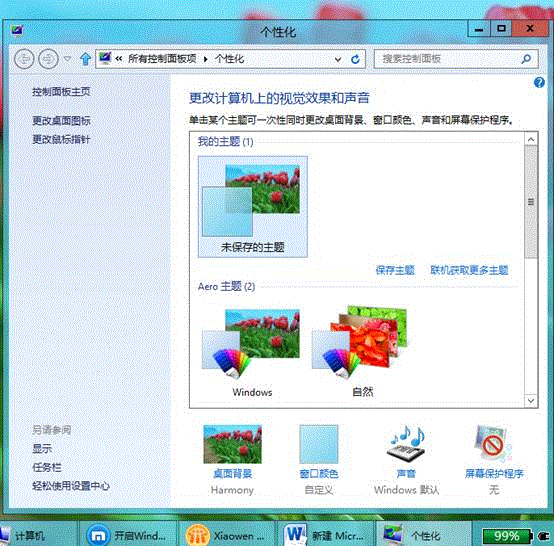
完成後視窗邊框呈現淡雅半透明效果,兼具美觀與性能。