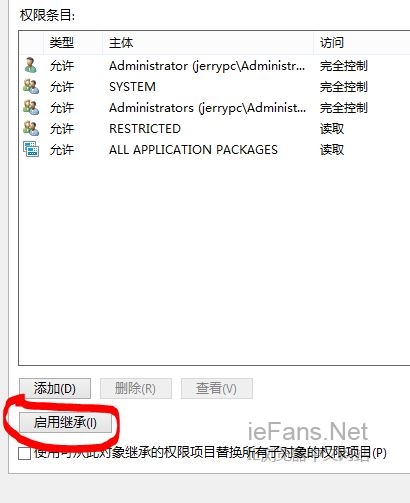
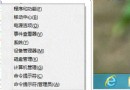
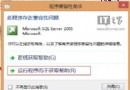
系統更新或刪除帳號後,IE11 點擊無反應、無法啟動。
regedit
HKEY_CURRENT_USER\Software\Microsoft\Internet Explorer\Main
Main
Everyone
Win8系統如何通過組策略限制磁盤訪問權限
Win 8 修改本地磁碟名稱:三步驟自訂磁碟標籤方便識別
Windows 8 開始畫面磚操作技巧:開關動態磚、調整磚大小
Win8.1 IE11 花屏色塊問題:顯示卡驅動更新與硬體加速關閉雙重對策
Windows 8.1 解除睡眠/待機喚醒密碼:電源選項四步驟設定免輸入密碼
Win 8 任務列擴充技巧:新增工具列、Bins 整合圖示讓桌面更整潔
Windows 8 相容性測試誤判六核心處理器,實際安裝無礙
Win8 關閉快速啟動功能:解決無法進入 F8 安全模式、雙系統引導衝突