遭遇 Windows 8.1 Update (KB2919355) 安裝失敗、卡住或藍畫面時,可透過 DISM 指令移除故障套件並修復元件存放區,再重新透過 Windows Update 取得更新。
dism /online /remove-package /packagename:Package_for_KB2919355~31bf3856ad364e35~amd64~~6.3.1.14dism /online /cleanup-image /startcomponentcleanup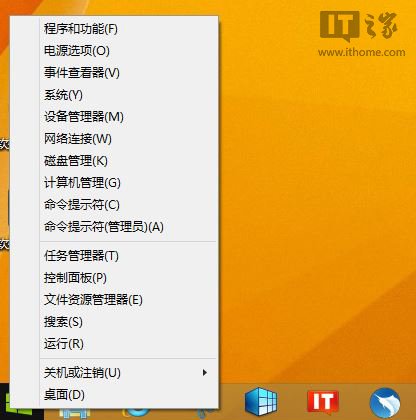
dism /online /get-packages 查詢確切套件名稱。Win8升級Win8.1 Update圖文教學:透過Windows Store一鍵免費升級
Win 8.1 設定 IP 跳出「必須安裝並啟用網路介面卡」解決方案
Windows 8 Play To 無線遠端播放設定教學:本地安全性原則、媒體串流、Windows Media Player 遠端控制
Windows 8.1 Update 更新後黑屏怎麼辦?原因分析與應對方案
安裝 Win8 出現錯誤 0x0000005D?BIOS 開啟 Execute Disable Bit (NX/XD) 解決
Windows 8 輸入法相容性測試:五筆加加、最強五筆完美相容;經典五筆、王碼、智能ABC、南極星、大眾形音存在嚴重問題