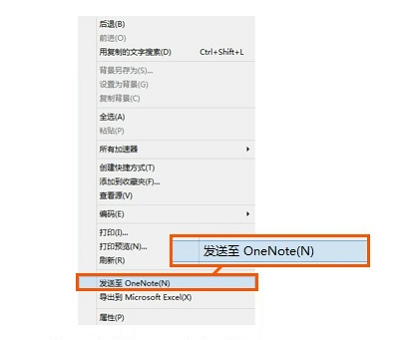
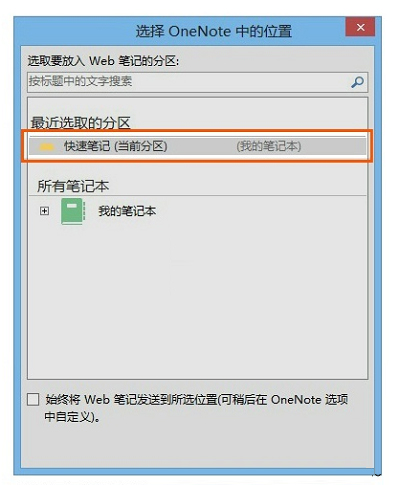
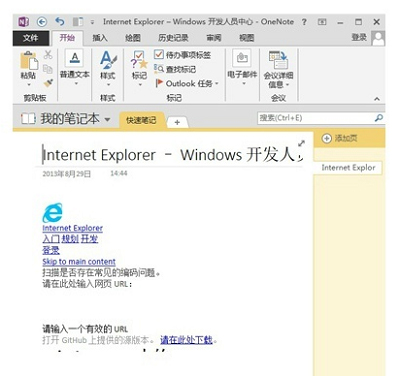
優勢: 繞過網頁 JS 禁止複製限制,保留排版,支持雲端多端同步。
Win8.1/Win8.1 Update 輸入法設定完整教學:控制台 vs Modern 設定差異
Windows 8 最快關機技巧:建立「混合關機」捷徑釘選到工作列/開始畫面,一鍵秒關機
Win8 遊戲總管其實還在!建立捷徑喚醒隱藏的遊戲管理器
Windows 8 重裝系統 6 分鐘搞定:重置與重新整理功能詳解
Windows 8.1 無線網路連接受限/無法連線解決方案:啟用 FIPS 相容性
Windows 8 雙螢幕全景主題設定教學:下載主題、擴展模式、跨區填滿
Win8.1 遠端桌面完整啟用與連線教學:圖文詳解
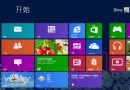
Windows 8 開始畫面磚塊消失怎麼找回?搜尋「桌面」重新釘選恢復