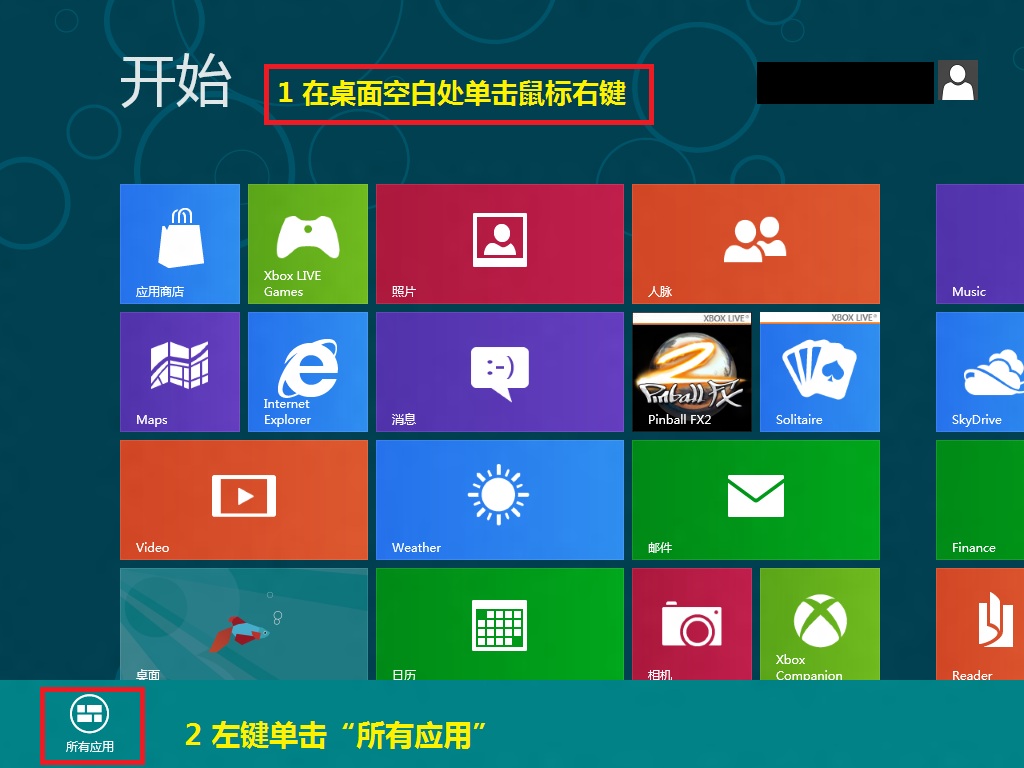
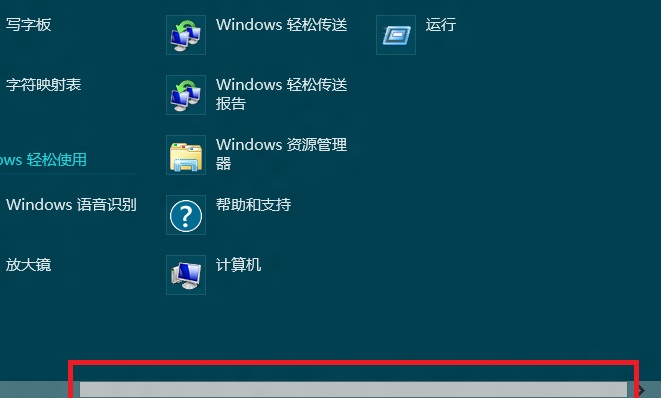
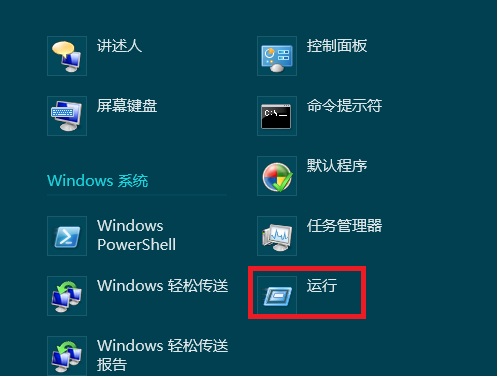
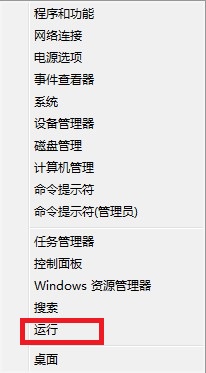
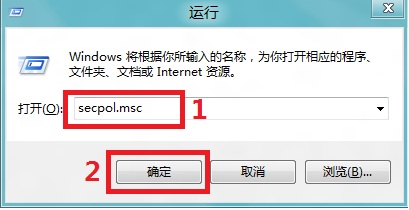
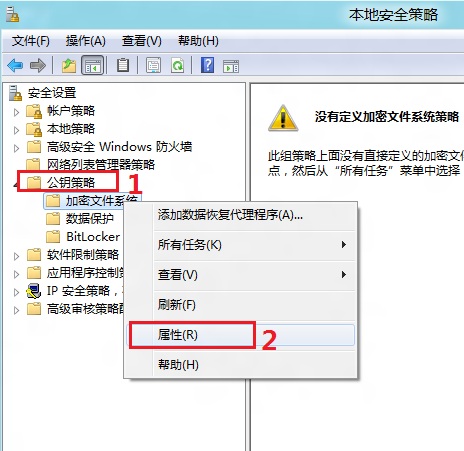
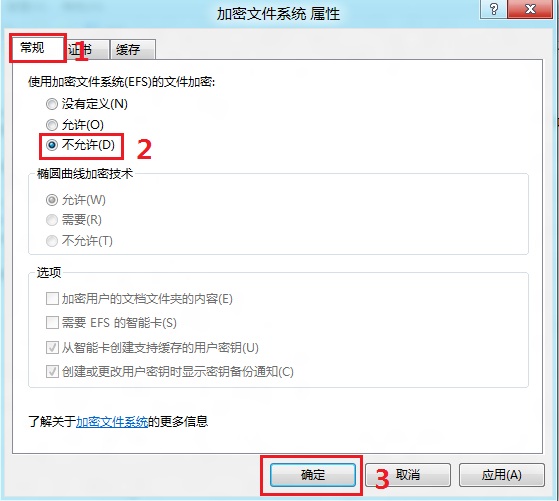
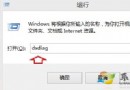
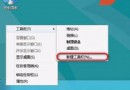
secpol.msc
Windows 8 消費者預覽版 IE10 瀏覽器功能詳解:Metro 版與桌面版差異
Windows 8 個人化設定雲端同步:從鎖定畫面到 Modern 介面全方位漫遊
Windows 8 發布時程、命名由來與十大期待改進功能整理
Windows 8 使用舊版工作管理員:Win+X 或 Win+R 輸入 TASKMGR
Windows 8.1 預覽版無法解除安裝:官方說明與還原方案
Windows 8 關閉 SSD 固態硬碟索引服務教學
Win8.1 權限不足無法刪除/修改?安全性頁籤降權 Everyone + SYSTEM 完全控制五步拿回最高權限
Win8.1 右鍵選單新增「公文包」:匯入登錄檔恢復檔案同步功能