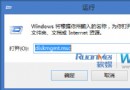
Win 8 控制台缺少「程式和功能」圖示,修復:
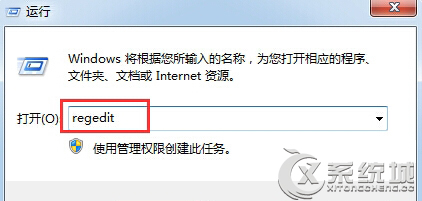
regedit
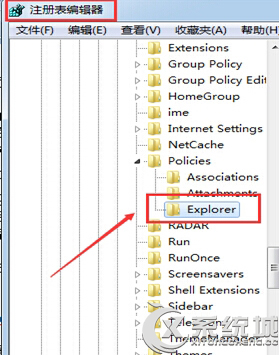
HKEY_CURRENT_USER\Software\Microsoft\Windows\CurrentVersion\Policies\Explorer
DisallowCpl
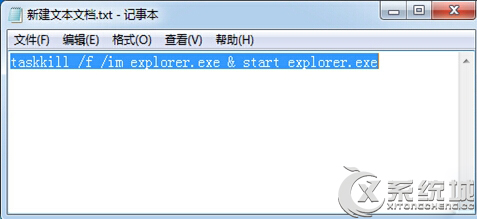
taskkill /f /im explorer.exe & start explorer.exe
重啟資源管理器.bat
刪除限制原則值並重啟資源管理器即可恢復。
Windows 8 消费者预览版关机五法大全:Win+I、Alt+F4、Ctrl+Alt+Del、shutdown命令、桌面快捷方式
打造隨身 Win8:VHD 開機安裝至 USB 硬碟/隨身碟完整教學 (三大優勢、三步驟完成)
Windows 8 執行命令大全:108 個 Run 指令快速存取系統工具與設定
Win8 變更鍵盤輸入法與語言完整圖文教學
Windows 8 最新 UI 洩露:Ribbon 介面植入資源管理器、任務列大變身
Windows 8 消费者预览版 IE10 使用技巧官方指南:无插件体验、收藏夹固定、兼容性视图、默认浏览器设置、磁贴恢复
Windows 8 桌面捷徑小箭頭移除與還原完整教學
Win8 系統色彩校正精靈操作步驟速查表