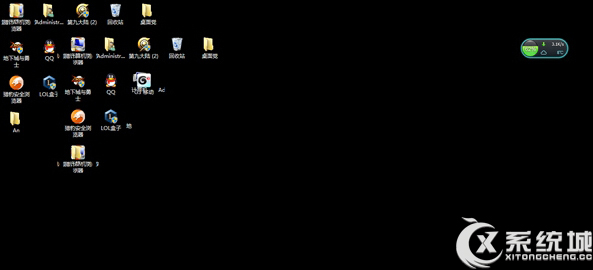
Win 8 桌面背景突然變黑,修復:
regedit
HKEY_CURRENT_USER\Control Panel\Desktop
LogPixels
此鍵值異常導致桌面渲染異常,刪除後系統自動重建預設值。
Win8 取消鍵盤切換鍵提示音:易用性中心一鍵關閉
Windows 8 開始畫面天氣應用完整設定指南
Win 8.1 15 個隱藏小秘密:升級 Office 找回截圖鍵、修復 SkyDrive 同步等
Win8 應用商店自動更新失效修復:Charms 列帳戶設定啟用自動下載
Windows 8 無聲音修復:登錄表調整 Audiosrv 服務權限 (RequiredPrivileges)
Windows 8 Build 7996 編譯完成 開發工作即將進入 Beta 階段
Windows 8 IE 無法開啟多個分頁?關閉「增強保護模式」解決
Windows 8 新增「正版中心」 系統授權狀態一目瞭然