安裝 Win7 SP1 失敗,微軟官方說明:第三方優化工具刪除了 C:\Windows\System32\DriverStore\FileRepository 內的驅動備份檔案導致元件缺失。無需重灌系統,從 Ghost 備份映像提取該資料夾覆蓋即可修復。
.GHO 系統映像 (如 C_pan.GHO)。Windows → System32 → DriverStore → 右鍵 FileRepository 資料夾 → 「提取」至 D 盤根目錄。C:\Windows\System32\DriverStore\FileRepository 完全控制權限 (或直接在 WinPE 下操作免權限問題)。FileRepository 資料夾複製覆蓋至 C:\Windows\System32\DriverStore\。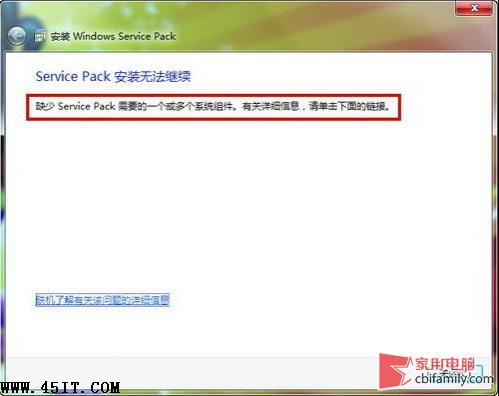
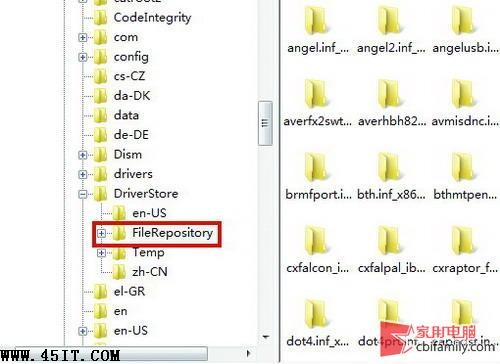
SP1 安裝需驗證/更新驅動程式存放區,第三方清理工具誤刪 FileRepository 導致缺失。從乾淨備份映像還原該資料夾,補齊缺失元件,SP1 即可通過驗證安裝。
定期備份系統映像 (Ghost/系統映像備份),關鍵時刻能救急。