Windows 7 便箋預設右鍵選單僅能換顏色,實際上支援豐富快速鍵可實現粗體、斜體、底線、清單等格式。本文整理所有實用快速鍵並示範效果。
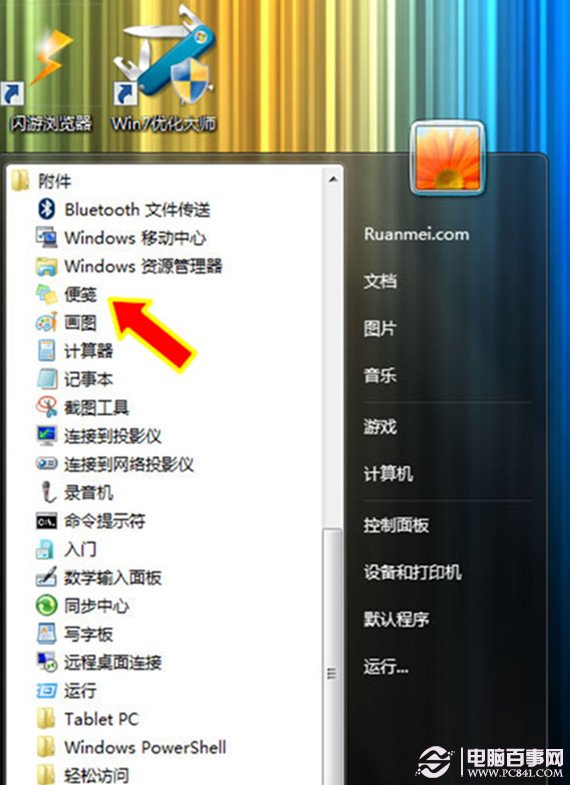
「開始」→「所有程式」→「配件」→「便箋」。
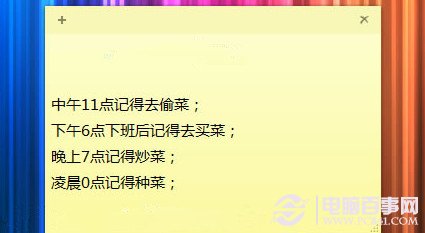
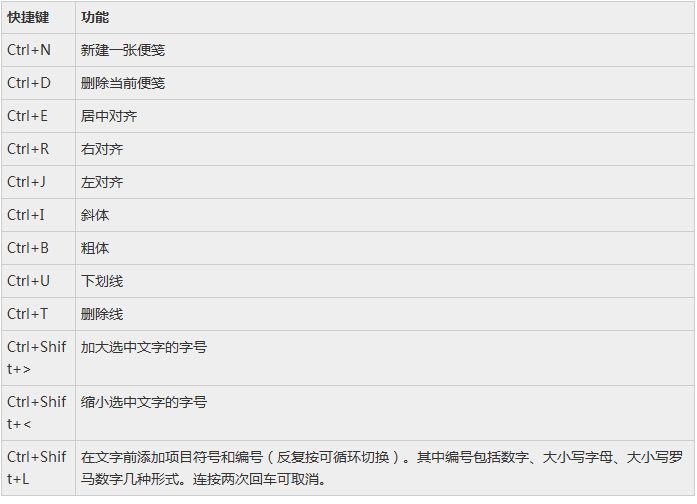
善用上述快速鍵即可建立結構化、美觀的便箋內容。
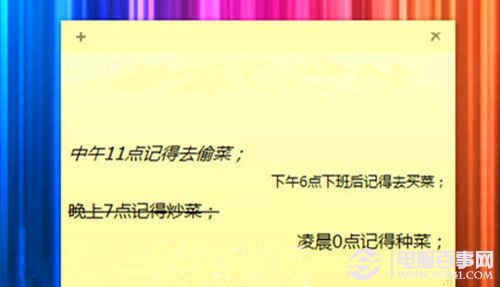
充分利用便箋可減少紙張消耗,兼具環保與效率。
Windows 7 電源計畫三模式降溫實測:省電模式散熱最低、平衡模式最適合、高效能模式變身散熱器、離開模式掛機下載兩不誤
Windows 7 升級風險與收益深度分析:為何不必等 SP1 即可部署
Windows 7 家用版缺少 Aero 縮圖?免費升級旗艦版 + 更新顯卡驅動雙管齊下
Win7 看影片時 QQ 彈訊息聲音變小?關閉「通訊活動偵測」一勞永逸
Win7 還是升 Win10?穩定相容 vs 新特性深度對比,避坑指南
Windows 7 滑鼠滾輪 6 大隱藏技巧:縮放網頁、自動捲動、背景開啟連結、關閉分頁、切換檢視、縮放圖示