Win7 內建桌布輪播只能選 10 秒、30 秒、1 分鐘等固定間隔,動畫效果也固定。修改登錄表即可解鎖任意秒數與 Morph 動畫時長,打造極致順滑輪播體驗。
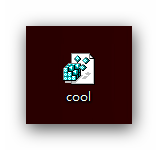
cool.reg:Windows Registry Editor Version 5.00
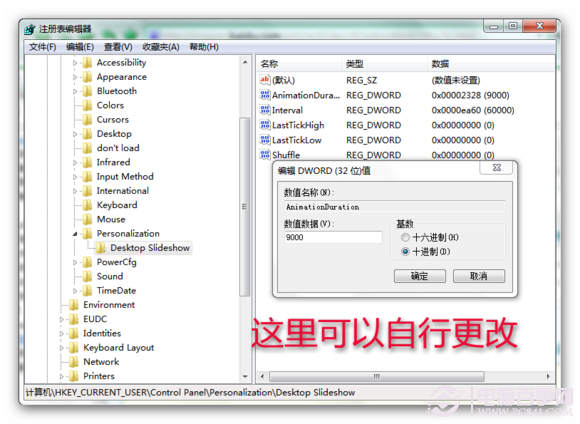
[HKEY_CURRENT_USER\Control Panel\Personalization\Desktop Slideshow]
"Interval"=dword:0000ea60
"Shuffle"=dword:00000000
"LastTickLow"=dword:00000000
"LastTickHigh"=dword:00000000
"AnimationDuration"=dword:00002328
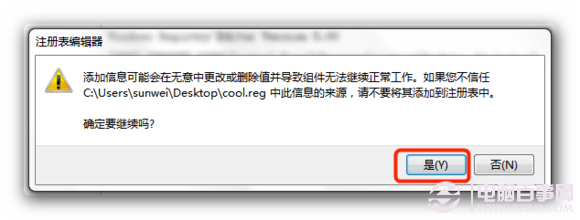
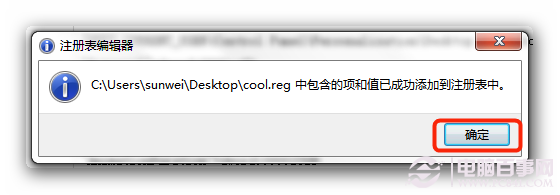
cool.reg 匯入 → 是 → 確定。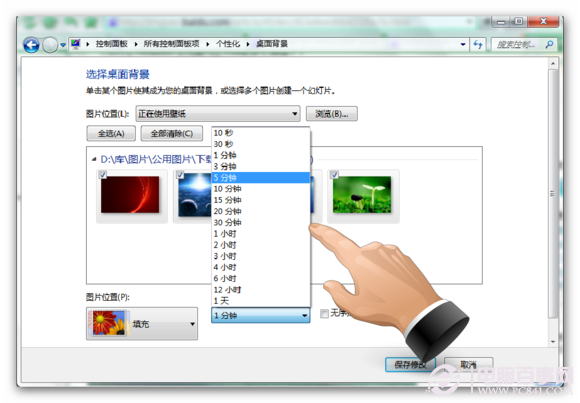
| 鍵值 | 十六進位 | 十進位 | 意義 |
|---|---|---|---|
| Interval | 0000EA60 | 60,000 | 切換間隔(毫秒),例 60 秒 |
| AnimationDuration | 00002328 | 9,000 | Morph 動畫持續(毫秒),例 9 秒 |