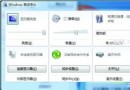
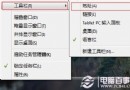
Windows 7 升級 IE8 後,部分銀行 (中信/農業/廣發) 網銀登入失敗,主因銀行安全控制元件 (CSP) 登錄表 Image Path 缺少系統路徑前綴 %SystemRoot%\System32\。修正對應銀行註冊表分支即可修復。
regedit 開啟登錄表編輯器。HKEY_LOCAL_MACHINE\SOFTWARE\Microsoft\Cryptography\Defaults\Provider 下對應銀行分支:CIDC Cryptographic Service Provider v2.0.0 → Image Path = %SystemRoot%\System32\CCB_CIDC_CSP.dllZGHD Cryptographic Service Provider v1.0 → Image Path = %SystemRoot%\System32\GP_MINCSP.dllMinghua CSP for GDBC v1.0 → Image Path = %SystemRoot%\System32\GDCSPS_V3.dllImage Path 修改數值資料為上述完整路徑 → 確定。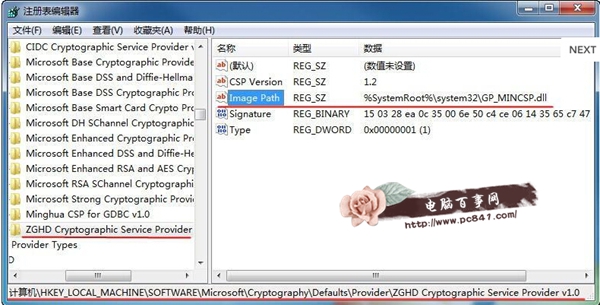
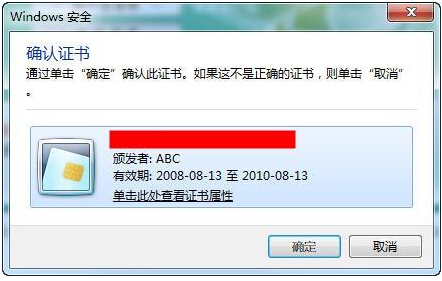
IE8 更嚴格檢查 CSP 載入路徑,缺少 %SystemRoot%\System32\ 導致系統找不到 DLL。修正後即可正常載入銀行安全元件。