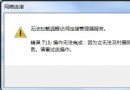
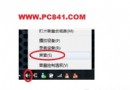
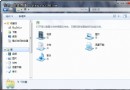
Windows XP 無法直接顯示 Wi-Fi 密碼,Windows 7 只需四步驟即可在介面查看明文密碼,重灌系統、分享給同事超方便。
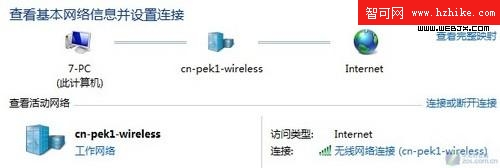
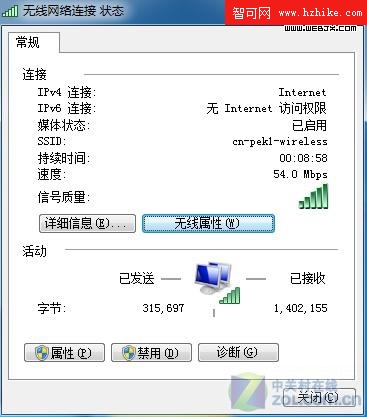
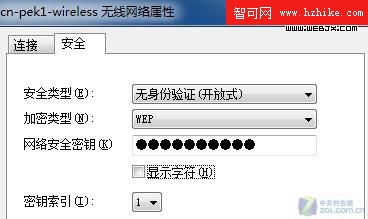
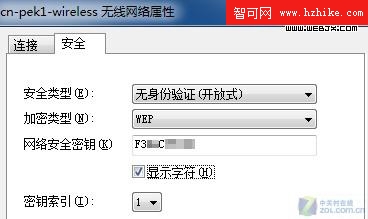
此功能需具備管理員權限或為該網路設定檔建立者。
Windows 7 旗艦版降級為家庭高級版:ImageX 手動覆蓋 Install.wim 實現版本回滾
Win7 三大螢幕截圖神技:內建工具、Print Screen、QQ 截圖
Win7Codecs (Shark007) 安裝與硬解/音效進階設定圖解:Windows Media Player 12 通吃所有格式
Win7 安全性能提升七招:及時修補、BitLocker 加密、裝防毒、SmartScreen、UAC 調高、清理垃圾、備份資料
Windows 7 更新後彈出「重新啟動」提示怎麼關閉?群組原則一鍵永久靜音
Win7 啟用/停用內建 Administrator 系統管理員帳戶兩種方法
關閉 Windows 7 視窗邊緣自動最大化(Aero Snap):註冊表快速設定
解決 Windows 7 玩網路遊戲 Ping 高問題:停用 Multimedia Class Scheduler 服務 (MMCSS)