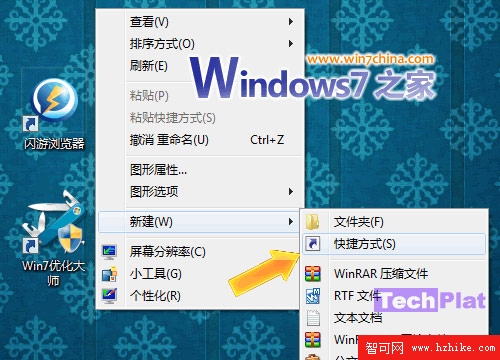
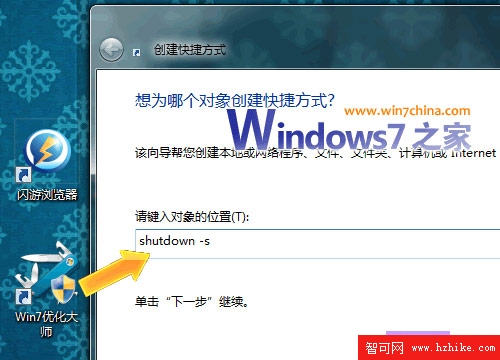
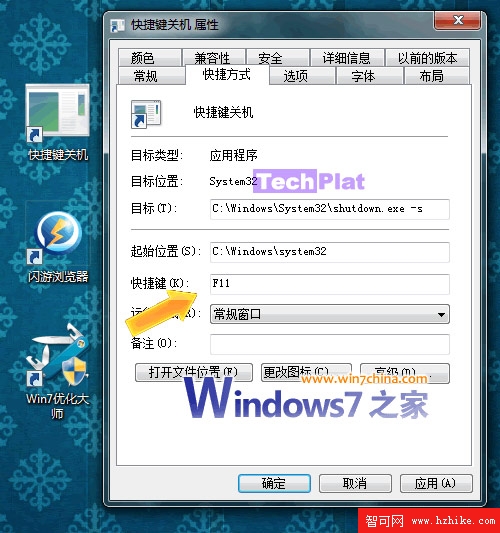
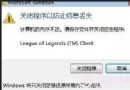
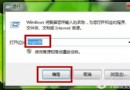
shutdown -s
shutdown -r
兩種方式任選,自訂捷徑更直覺好記。
Windows 7 軟體開發指南:UAC 相容、版本檢測、權限處理與新 API 應用
深度解析 Windows 7 備份還原機制:卷影複製、文件備份與系統映像三大核心功能
Windows 7 檔案總管啟動位置自訂教學:預設開啟「電腦」而非「程式庫」
Win7/Win8 啟用 Telnet 用戶端:控制台面板開啟 Windows 功能
Windows 8 雙模式揭秘:傳統桌面與 Metro 風格共存,ARM 版不相容舊軟體
Win7 插入 USB 總提示「掃描並修復」?chkdsk 掃描一次徹底根治
Win7 睡眠後無法喚醒?三階段檢查硬體支援、喚醒裝置、電源管理設定
解決 Windows 7 IE8 無法上傳圖片附件:啟用本地目錄路徑