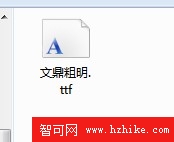
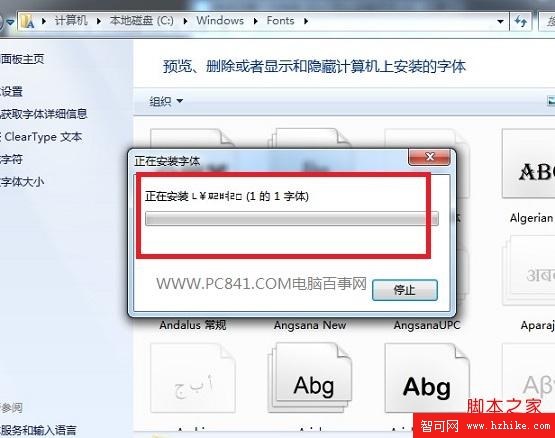
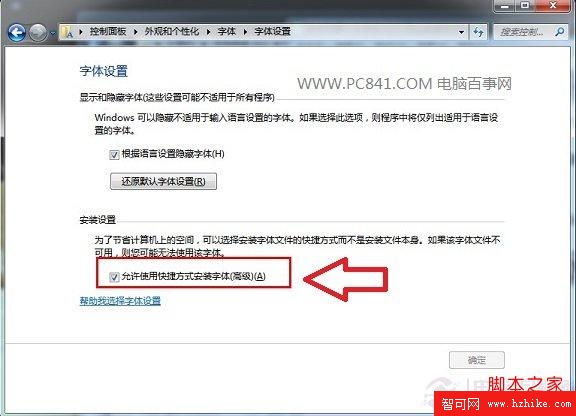
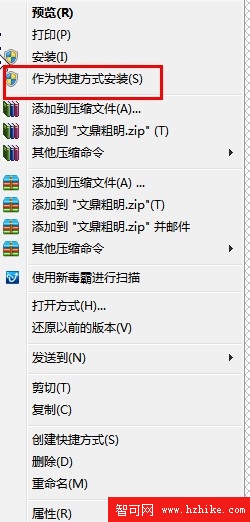
設計師、編輯常需大量字型。Win 7 安裝字型有兩種方式:
C:\Windows\Fonts
小結:捷徑安裝不會將字型複製到系統盤,能有效節省 C 槽空間,推薦大量字型使用者採用。
Windows 7 家庭高階版初體驗:從開箱、安裝到桌面美化與工作列新功能
打造 Windows 7 個人化安全優化(2)
Windows 7 加速優化全攻略:減少啟動項、調整視覺效果、管理服務與字體
局域網Win7訪問XP最簡駭客技:複製「網上鄰居」捷徑大法
清除工作列「自訂通知」殘留圖示:刪除 TrayNotify 登錄鍵值 + 重啟總管
菜鳥也能輕鬆搞定:法文版 Win7 家庭高級版升級旗艦版並安裝中文語言包
Win7 開機加速兩法:註冊表 Prefetch 停用與多核心引導
Windows 7 磁碟機圖示顯示異常怎麼辦?變更磁碟代號修復圖示錯誤教學