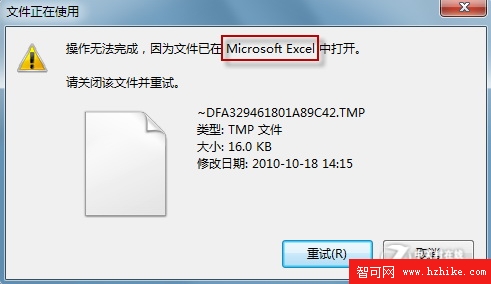
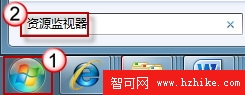
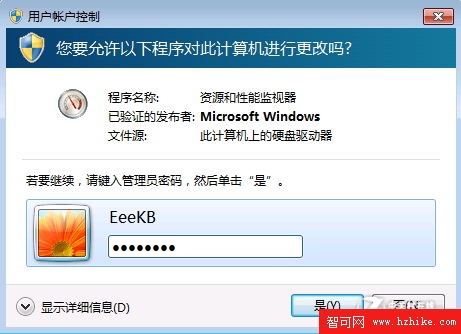
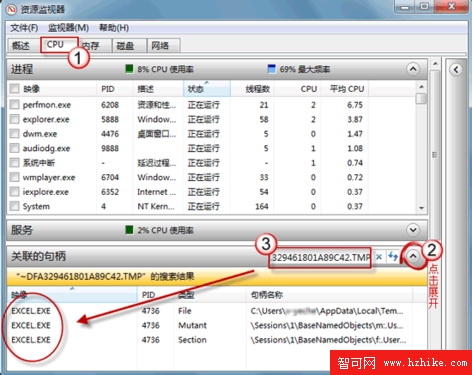
刪除檔案時提示「檔案正在使用」,但工作列卻無執行程式。Windows 7 內建資源監視器能精準搜尋並列出所有佔用該檔案的進程,一鍵結束即可順利刪除。
四款國外熱門 Windows 7 系統優化工具推薦
Windows 7 「我的電腦」看不到攝影機?捷徑放入 NetworkShortcuts 資料夾
Win7 Aero Peek「查看桌面」功能變灰無法啟用?兩大原因與解決方案
Windows 7 工作效率新功能:便箋,貼滿桌面的數位便利貼
Windows 7 桌面美化完全指南:小工具、主題、RSS 動態主題、圖示自訂
解決 Windows 7 無法開啟 .hlp 傳統說明檔問題
Windows 7 非均勻記憶體存取 (NUMA) 技術:支援 64 顆以上邏輯處理器
Windows 7 必須移除的五大惹人厭功能評論