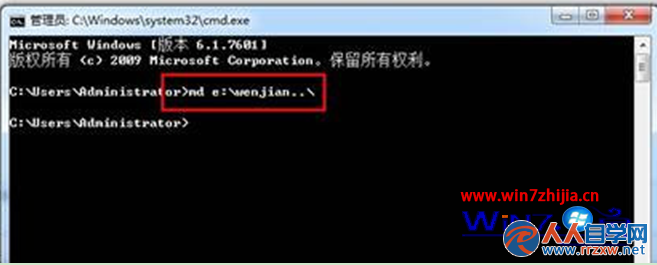
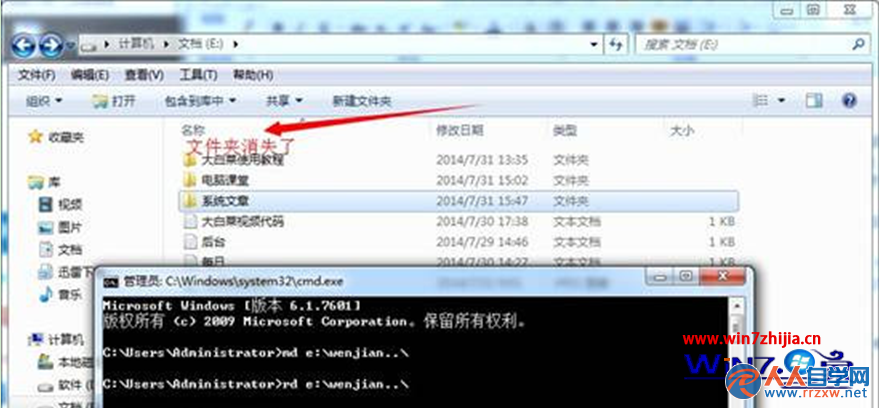
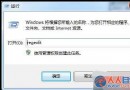
Win7 利用命令提示字元建立以 .. 結尾的資料夾(如 md e:\wenjian..\),該資料夾在圖形介面無法被刪除、重命名,達到保護重要資料目的。
..
md e:\wenjian..\
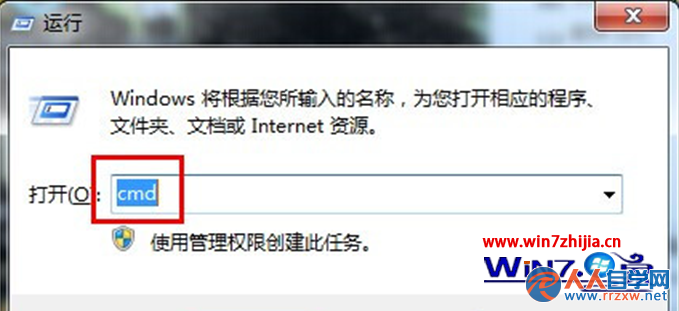
cmd
md 磁碟代號:\資料夾名稱..\
rd 磁碟代號:\資料夾名稱..\
rd e:\wenjian..\
此技巧利用 NTFS 路徑解析特性,簡單有效防止誤刪重要資料。
Win7 找不到攝影機圖示?兩種方法快速恢復
Win7 系統硬碟開機區錯誤快速判斷指南
Win7 關閉全雙工音訊模式:群組原則禁用,舊式音效卡不再雜音
Win7 C 槽瘦身四大絕招:刪除休眠檔、清暫存檔、清 IE 快取、關系統還原
Windows 7 備份與還原完整圖文教學:系統還原、系統映像、排程備份全攻略
解決 Win7 ADSL 閒置自動斷線:關閉「掛斷前的空閒時間」設定
Win7 快速刪除無法刪除的檔案與資料夾:自製批次粉碎工具
Windows 7 重灌系統完整圖文教學:從 BIOS 設定、分區規劃到驅動安裝全流程