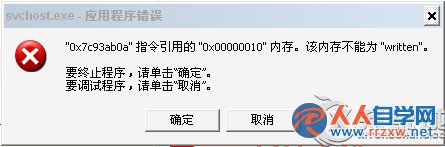
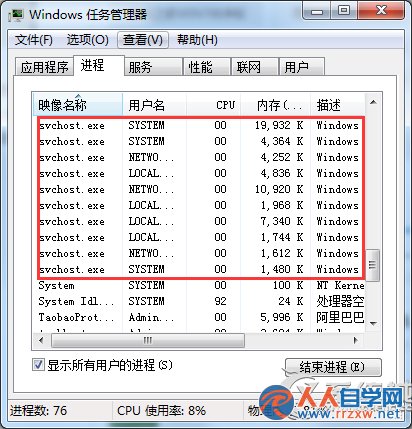
核心系統進程,載入 DLL 並啟動對應服務,**不可結束**,路徑 C:\Windows\System32\svchost.exe。
C:\Windows\System32\svchost.exe
C:\Sys***
HKCU\Software\Microsoft\Windows\CurrentVersion\Policies\Explorer\Run
rundll32.exe setupwbv.dll,IESetup
先判斷屬哪類成因,再對症下藥;長期穩定建議使用正版系統。
Win 7 啟用 Aero Peek 預覽桌面功能三法
筆電 Win7 系統時間無法修改?三大成因(電池/權限/病毒)完整診斷與解決流程
Windows 7 20 大必學操作技巧:任務列快捷鍵、問題步驟記錄器、多時區時鐘、PowerShell 等
Win7如何顯示EXE文件擴展名?註冊表修改法防偽裝病毒
Win7 右鍵菜單過長怎麼辦?三步清理「發送到」與隱藏項目
Win7無法清空回收站?CHKDSK 修復磁碟錯誤徹底解決
魔方優化大師一鍵賦能 Win7/Win8 右鍵菜單:神級快捷組上線
Win7 撥號上網不出現連線介面?寬帶連線屬性勾選「撥號時顯示進度」與「提示名稱密碼」恢復