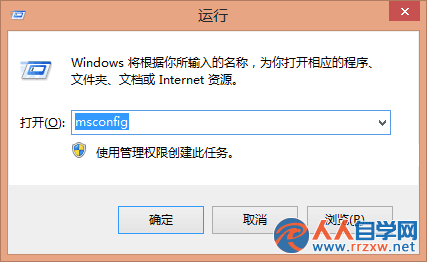
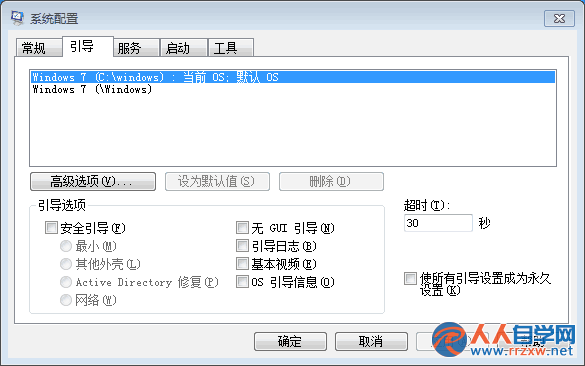
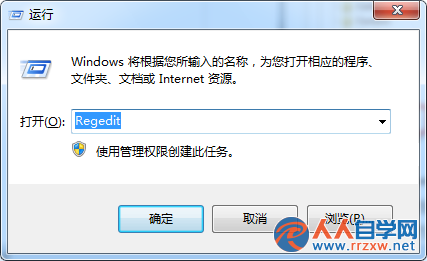
msconfig
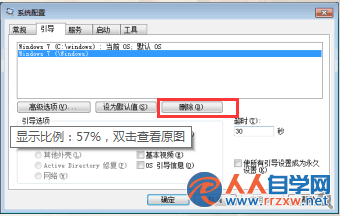
標示「目前的作業系統;預設的作業系統」為啟動中系統,**絕不可刪除**,否則導致無法開機!
Win7 有線網卡設定自動取得 IP (DHCP) 完整圖文教學
Win7 工作管理器不顯示進程頁籤?雙擊邊框空白處即可恢復
Win7 桌面找回 IE9 圖示:五種方法任你選
自訂 Win7 開始選單:隱藏近用程式、新增執行指令、調整電源鍵行為
Win7 將 USB 隨身碟還原出廠狀態:格式化與量產工具兩大法
Win7 視窗跑到螢幕外無法拉回?多顯示器設定錯誤一招解決
Win7 瀏覽器 Cookie 與上網足跡清除雙法:手動清理與自動退出時清除
Win7 連線隱藏 SSID 無線網路:不廣播也能快速上網