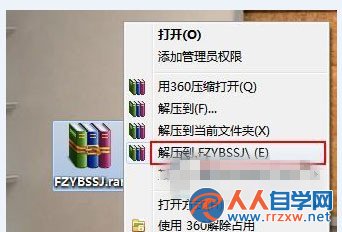
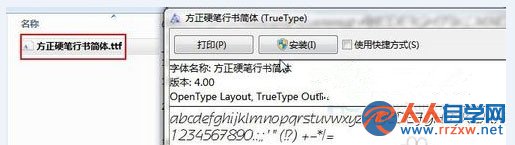
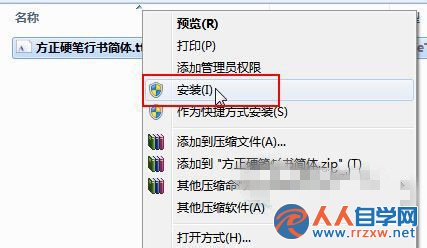
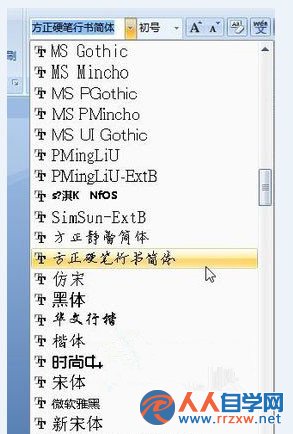
.ttf
批量安裝: 選中多個 .ttf → 右鍵「安裝」,一次性完成。字體檔會自動複製到 C:\Windows\Fonts。若字體不顯示,重啟相關程式或電腦。
C:\Windows\Fonts
愚人節惡作劇:把同事桌面偽裝成「假死」圖片的經典整人招數
Win7 升級後無法全螢幕顯示?調整螢幕解析度至建議值修復
Windows 7 無線密碼忘記?控制台三步驟找回明文金鑰
Win7 360 隨身 WiFi 連不上網?IP 重新獲取與重新連線雙重解法
Win7 滑鼠卡頓、停頓?兩大主因與完整解決方案
Win7 行動硬碟 USB 無法識別?供電不足、驅動重裝雙管齊下
Windows 7 專業版/企業版 MAK 金鑰第五次「復活」:1218 次激活額度即時可用
Windows 7 資料夾加密設定密碼保護隱私檔案