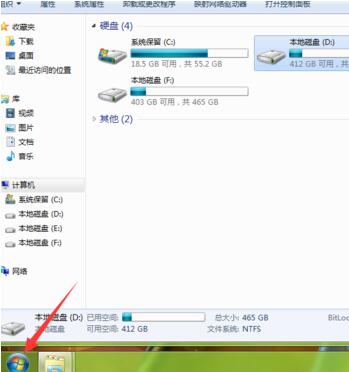
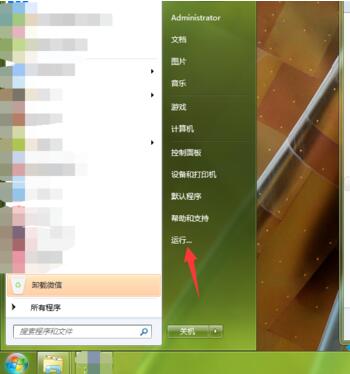
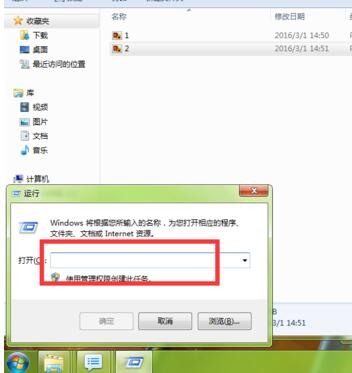
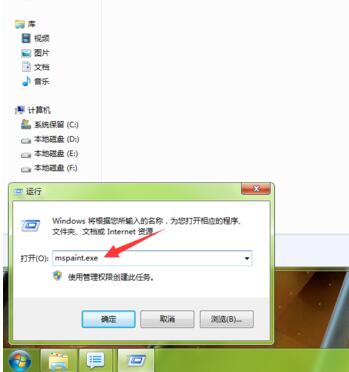
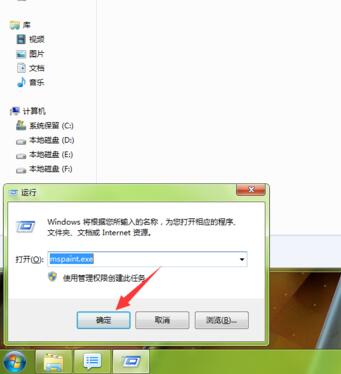
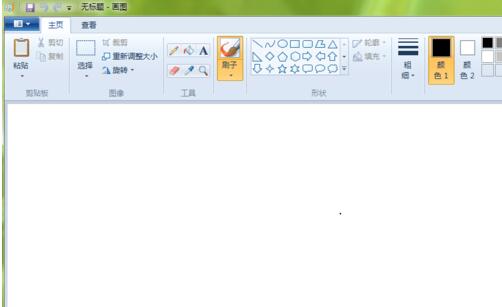
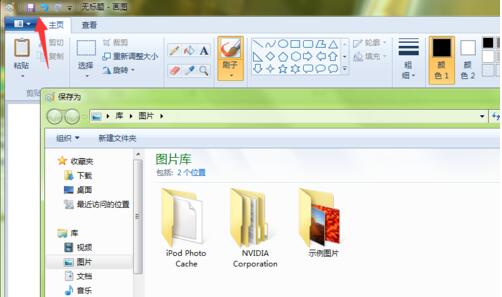
Win7 畫圖工具在開始選單較難找到,最快方式是使用「執行」指令直接啟動。
mspaint.exe
亦可在開始 → 所有程式 → 配件 → 畫圖 找到,或將捷徑釘選至工作列方便下次使用。
Win7 搜尋功能失效怎麼辦?登錄表新增 UseSearchAsst 修復搜尋框
這配裝能跑 Windows 7 嗎?舊硬體建議續用原系統或升級硬體
Windows 7 移除右下角 Windows 10 升級圖示:臨時與永久雙法
Win7 桌面建立關機捷徑,一鍵關機免點開始功能表
Win7 網頁開啟緩慢?三招優化:磁碟清理、IE 快取清除、登錄調優
Win7 Chrome瀏覽器無法喚起迅雷/阿里旺旺?右鍵「新標籤頁打開」秒解決
Win7 64 位攝影機驅動黃色驚嘆號?刪除登錄表 UpperFilters 修復
Windows 7 內建電源計畫三模式切換:省電、平衡、高效能實測降溫效果