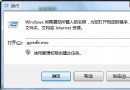
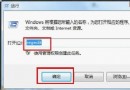
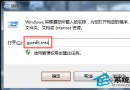
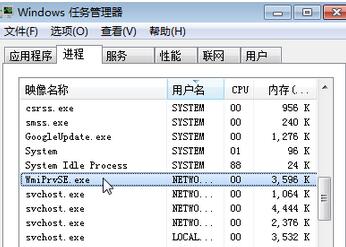
wmiprvse.exe (WMI Provider Host) 是 Windows 管理架構的核心進程,負責提供系統資訊查詢。正常情況下它會在查詢時短暫佔用 CPU,長期高佔用可能表示某服務頻繁查詢 WMI。若確認非病毒(檔案位於 C:\Windows\System32\Wbem),可透過註冊表「映像檔執行選項」將其導向不存在的偵錯程式,達到禁用效果。
cmd 按 Enter 開啟命令提示字元(建議以系統管理員身分執行)。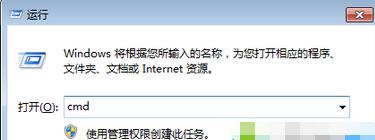
reg add "HKLM\SOFTWARE\Microsoft\Windows NT\CurrentVersion\Image File Execution Options\wmiprvse.exe" /v Debugger /t REG_SZ /d debugfile.exe /f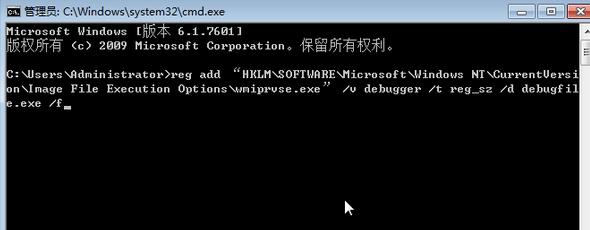
wmiprvse.exe 時會轉去執行不存在的 debugfile.exe,進程即無法啟動。reg delete "HKLM\SOFTWARE\Microsoft\Windows NT\CurrentVersion\Image File Execution Options\wmiprvse.exe" /f 並重開機。