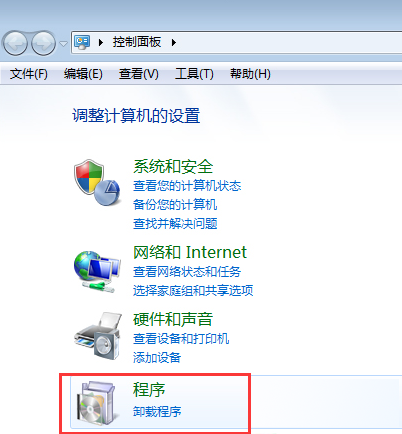
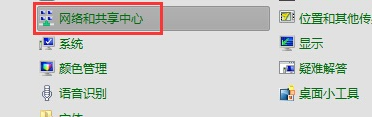
方法一:CAJViewer/PDF 閱讀器直接開啟
- 開啟 PDF 閱讀器(Adobe Reader、Foxit、SumatraPDF 等)。
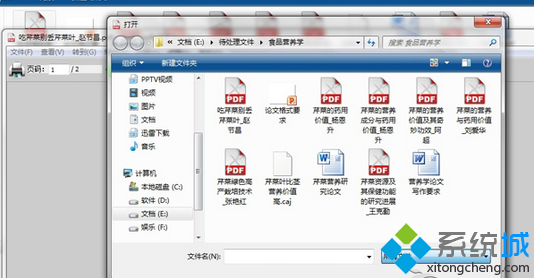
- 「檔案」→「開啟」→ 右下角檔案類型選「所有檔案」。
- 選取 .caj 檔 → 「開啟」,大多數 PDF 閱讀器支援直接讀取 CAJ 格式。
方法二:改副檔名為 .pdf(最快)
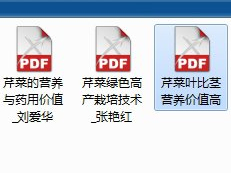
- 開啟檔案總管,確認已顯示副檔名(「工具」→「資料夾選項」→「檢視」→ 取消勾選「隱藏已知檔案類型的副檔名」)。
- 將
xxx.caj 重新命名為 xxx.pdf。

- 彈出提示點選「是」確認。

- 雙擊 .pdf 檔即可用 PDF 閱讀器正常開啟。
原理
CAJ 格式實為 PDF 的中國知網封裝變體,核心內容相容 PDF 規範,改副檔名即可欺騙系統用 PDF 閱讀器開啟。