微軟官方免費升級優惠雖已於 2016/7/29 結束,但透過 Windows Update 升級通道在部分情況下仍可成功(特別是具備合法 Win7 授權的裝置)。以下為標準升級流程。
升級前準備
- 備份重要資料(文件、照片、瀏覽器書籤等)。
- 確認 Win7 已安裝 Service Pack 1 (SP1)。
- 解除安裝第三方防毒/防火牆軟體,避免干擾升級。
- 插上電源(筆電),確保網路穩定。
升級步驟
- 「控制台」→「Windows Update」→ 「變更設定」→ 「重要更新」選「自動更新」→ 「確定」。
- 點擊「檢查更新」,安裝所有可用更新(含升級必要的 KB3035583、KB2952664 等)。
- 更新完成後,Windows Update 會顯示「Windows 10 免費升級可用」或「立即升級」按鈕。
- 點擊「確定,繼續」→ 「立即升級」。
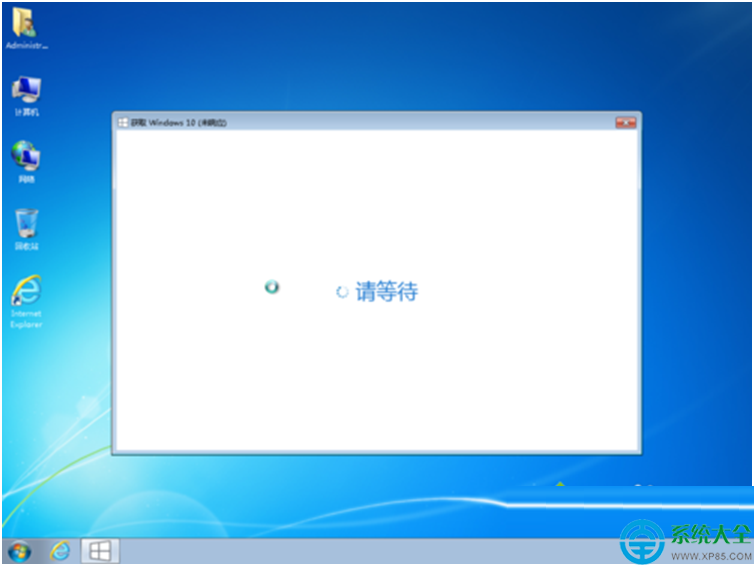
- 系統下載 Win10 安裝檔(約 3-5 GB),過程中會多次重開機,請勿中斷電源/網路。
- 安裝完成進入 Win10 桌面,檢查驅動程式、應用程式相容性。


重要提醒:Win7 已停止安全更新,升級 Win10 仍可獲得延伸支援(至 2025/10/14)。若官方通道無法升級,請使用微軟官方 媒體建立工具 下載 Win10 ISO 手動升級(保留檔案與應用程式)。