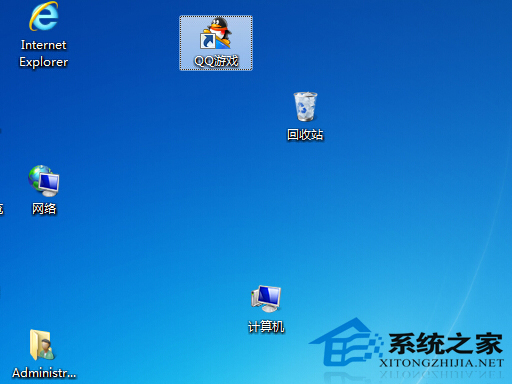
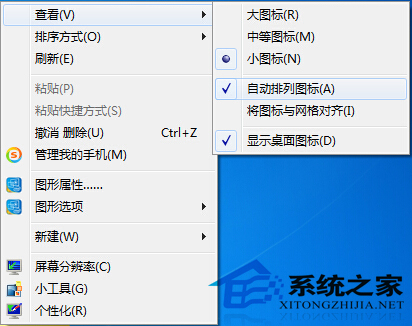
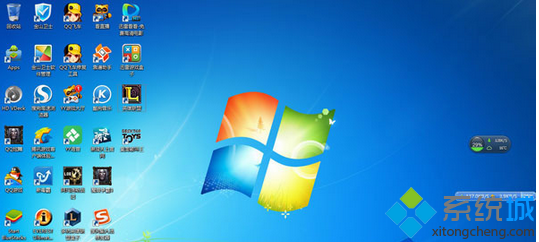
桌面圖標隨意拖放久了顯得凌亂,強迫症受不了。Win7 內建「自動排列」功能,一鍵對齊網格。
副作用:開啟後無法自由拖動圖標位置。不習慣時,同樣路徑取消勾選即可恢復自由拖放。適合想快速整理又不想費心手動對齊的用戶。
Windows Vista/2008 重裝系統啟用資訊備份還原法:pkeyconfig.xrm-ms 與 tokens.dat 兩檔案備份離線啟用
Win7 總彈出「PC 問題」提示?關閉操作中心通知徹底清淨
Win7 桌面圖示刪不掉?右鍵刪除、Ctrl 多選、清空回收站標準操作流程
Win7 玩英雄聯盟 (LOL) 進入就自動關閉?關閉 IP Helper 服務解決 PVP.net 斷線
Win7 設定開機自動撥號連網:工作排程器建立登入觸發任務
Windows 7 純淨安裝教學:虛擬光碟啟動、格式化 C 盤、命令列執行 Setup
Win7 系統漏洞修補要不要裝?安全衛士誤導與正確更新策略
直播時代的多元視角:如何理性看待「美女直播」現象?