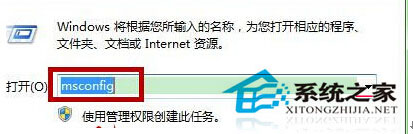
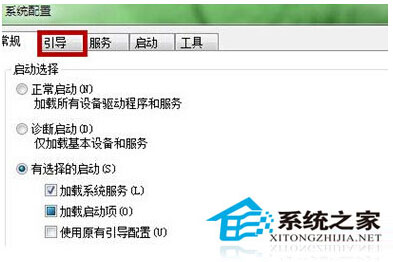
Win7 開機預設等待 30 秒顯示開機選單 (單系統實際無選單),可透過 msconfig 縮短逾時秒數加快進入桌面速度。
msconfig
重開機後即可感覺開機畫面停留時間明顯縮短。
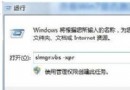
slmgr.vbs -xpr
Win7 善用「列印目錄」功能快速批次列印資料夾檔案
Win7 藍牙耳機連接全攻略:從配對、驅動安裝到設為預設播放裝置
Win7 防火牆如何永久關閉?控制台→防火牆→關閉家庭/公用網路防火牆,防止開機自動開啟
清理 D/E/F 槽後 C 槽莫名少了 5GB?虛擬記憶體/系統快取/軟體殘留是主因
USB 隨身碟空間明明足卻提示「磁碟已滿」?兩大主因與解法
Windows 7 服務精簡方案:依需求停用 20 項非必要服務,開機從 58 秒降到 50 秒
Win7开始菜单固定常用程序:取消最近打开记录+右键“固定到开始菜单”
Win7 更新後禁止強制重開機:本地群組原則設定教學