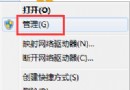
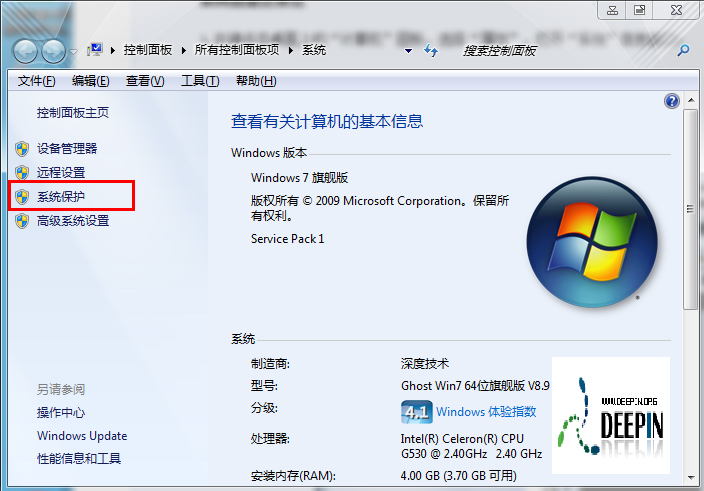
Win7 筆電內建鍵盤失靈,裝置管理員顯示黃色驚嘆號(代碼 10/39),外接 USB 鍵盤也無法使用,通常是註冊表 UpperFilters 值損壞或遺失導致鍵盤類別驅動載入失敗。本文提供註冊表修復步驟。
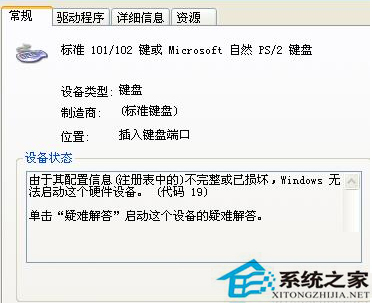
Win + R → regedit → 定位至:
HKEY_LOCAL_MACHINE\SYSTEM\CurrentControlSet\Control\Class\{4D36E96B-E325-11CE-BFC1-08002BE10318}
右側找到 UpperFilters 值 → 右鍵刪除 → 卸載鍵盤裝置 → 重新開機。
同路徑下 → 右鍵空白處 → 新增 → 字串值 → 命名 UpperFilters → 數值資料填 kbdclass → 卸載裝置 → 重新開機。
若上述方法無效,建議備份資料後重裝系統,或檢查鍵盤排線/主機板硬體故障。
警告:修改註冊表有風險,操作前請匯出備份該分支(右鍵「匯出」存為 .reg 檔)。