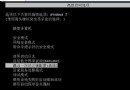
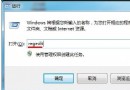
SFC.exe /purgecache 會清空 %SystemRoot%\System32\DllCache 目錄,釋放約 300 MB 空間。但之後系統檔案修復(sfc /scannow)將無法從快取還原,必須插入 Windows 安裝光碟提供來源檔案。
sfc /scannow:立即掃描修復系統檔案(使用快取或安裝媒體)。sfc /scanonce:下次重開機掃描一次。sfc /scanboot:每次開機掃描。sfc /purgecache:清空快取,節省空間但犧牲離線修復能力。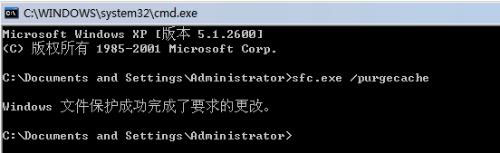
建議:除非磁碟空間極度緊迫且備有安裝光碟/ISO,否則請勿執行 /purgecache,保留快取利於系統維護。