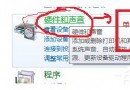
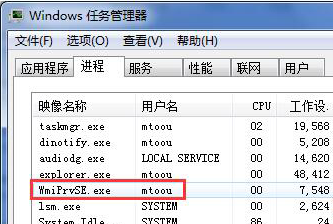
優化軟體誤刪 C:\Windows\inf\bth.inf 導致藍牙驅動無法安裝(裝置管理員顯示黃色驚嘆號)。從驅動程式庫複製缺失檔案回 inf 目錄,再重新安裝驅動即可修復。
C:\Windows\inf 是否存在 bth.inf(需在資料夾選項取消「隱藏已知副檔名」才能看見)。C:\Windows\System32\DriverStore\FileRepository 搜尋 bth.inf_* 資料夾,複製其中的 bth.inf 至 C:\Windows\inf。
3. 裝置管理員 → 移除帶驚嘆號的未知裝置/藍牙裝置 → 掃描硬體變更 → 重新安裝藍牙驅動程式。
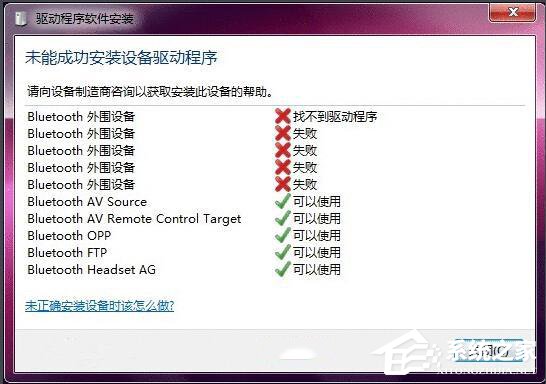
根因通常是優化/清理工具誤判系統 INF 檔為垃圾而刪除。建議謹慎使用此類工具,或建立系統還原點以便回溯。