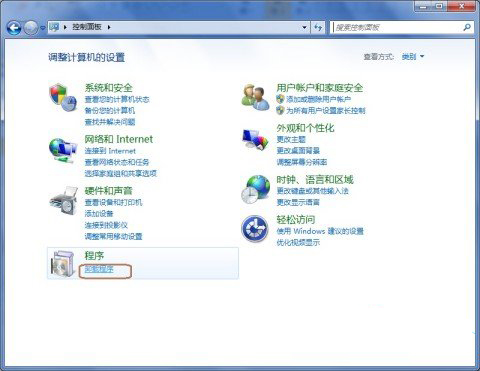
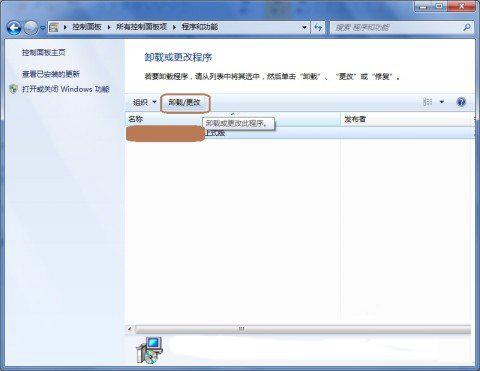
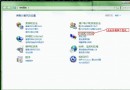
軟體安裝多佔據大量硬碟空間,Win7 內建「程式和功能」可完整解除安裝或修復程式,釋放空間,讓硬碟輕量化。
定期檢視並移除不再使用的軟體,能有效釋放數 GB 空間,維持系統輕快。
Win7 遊戲總管簡介:整合內建小遊戲與光碟安裝大作,但國內實用性有限
Win7 光碟機不讀碟/自動彈出?停用 Shell Hardware Detection 服務
Windows 7 64位元 旗艦版 重設 IE 瀏覽器為預設值
Windows 7 開機黑畫面?高手分類解決:純黑 vs 有滑鼠游標
Windows 7 家用基礎版升級旗艦版完整實戰教學
Win7 旗艦版鍵盤 F1-F12 功能鍵完整圖解:從說明到全螢幕
Win7 查看與手動設定 IP 位址:五步走圖文教學(含 DNS 設定)
Windows 7 硬碟分區新觀念:善用「程式庫」取代多分區管理