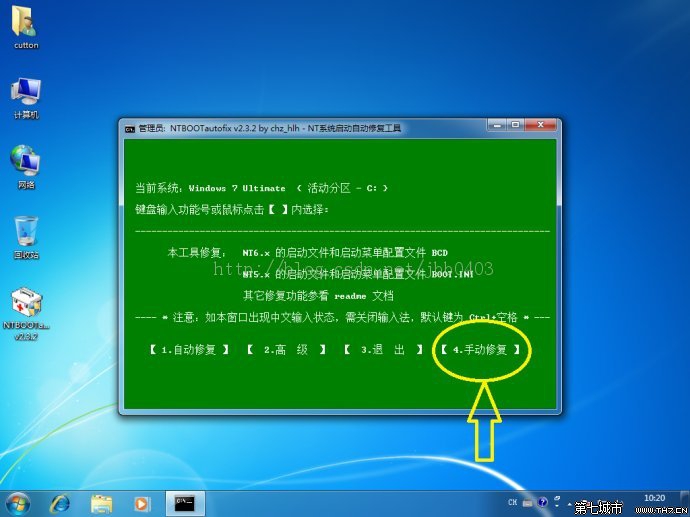
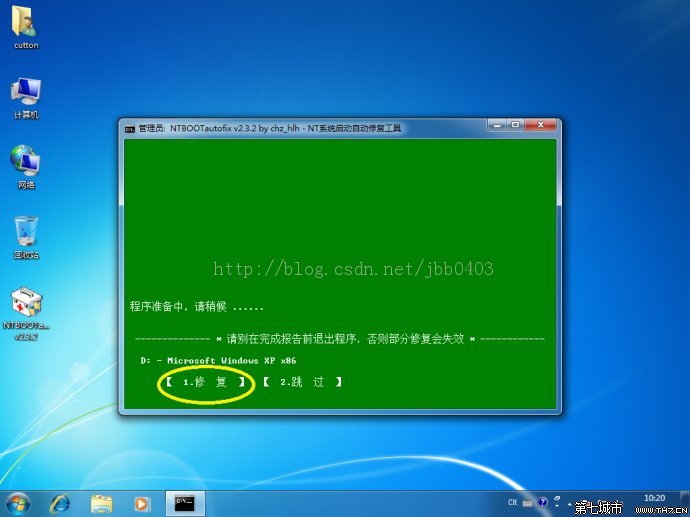
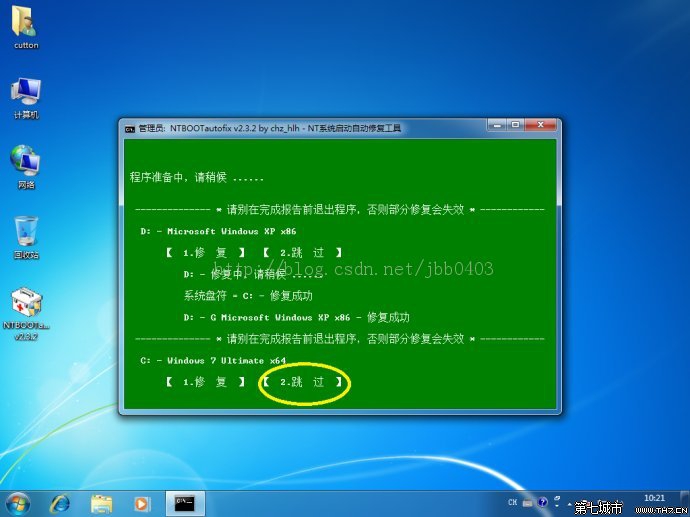
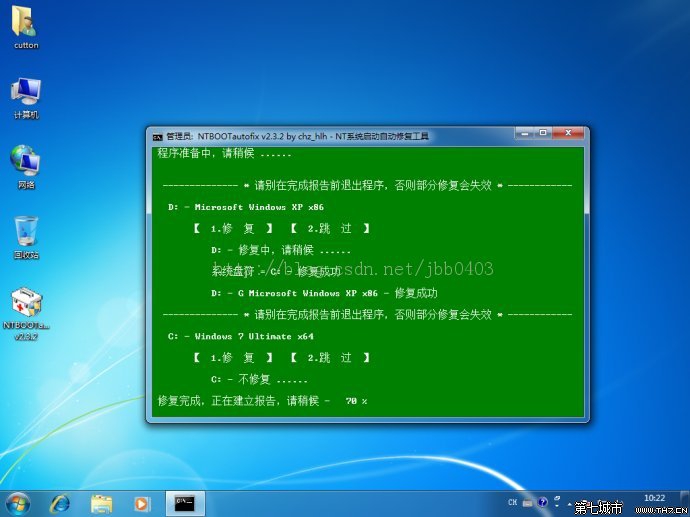
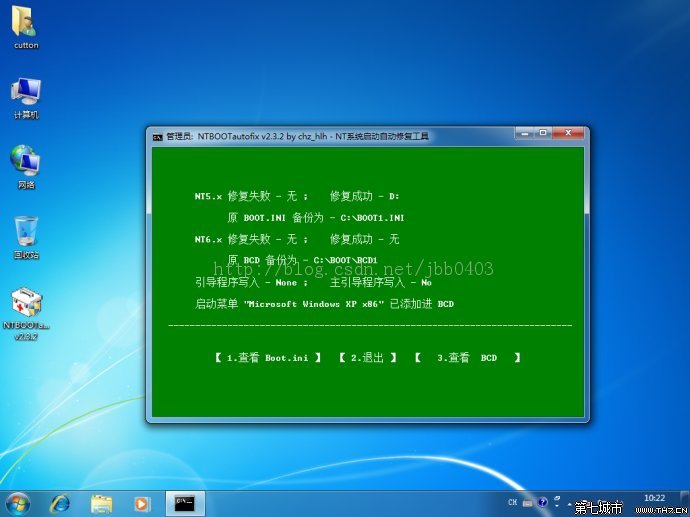
在 Win7 環境下用 Ghost 將 XP 安裝至非系統碟 (如 F:),重開機卻直接進入 Win7,無啟動選單。原因是 XP 的啟動磁區未正確寫入 BCD。使用 NTBOOTautofix (v2.5.7 以上版本) 可快速修復。
關鍵點:舊版 NTBOOTautofix (2.0.x) 無「手動修復」功能,務必下載 2.5.7 或更新版本。
Win7 實現多帳號獨享磁碟機代號:NTFS 權限設定讓 E 槽僅帳號 2 可存取
解決 Windows 7 筆電部分線上影片無法播放:停用 GPU 硬體加速
Windows 7 認證管理器詳解:儲存網銀憑證、自動登入與備份還原
Win7 網路圖示出現黃色驚嘆號無法上網?兩招快速修復
Win7 XP Mode 失效?四大原因:主機板虛擬化未開、CPU不支援、OEM廠商鎖定、改用VirtualBox替代
Ghost 完整操作指南:備份與還原系統的經典口訣「備份122、還原123」
Windows 7 系統與安全性維護技巧:疑難排解、效能優化、電源管理全攻略
Win7 刪除 windows.old 備份資料夾,一鍵釋放 20GB+ 空間