Win7 時間同步出錯?需確保 Windows Time 服務啟動並設定正確的網路時間伺服器。
一、啟用 Windows Time 服務
- Win+R →
services.msc
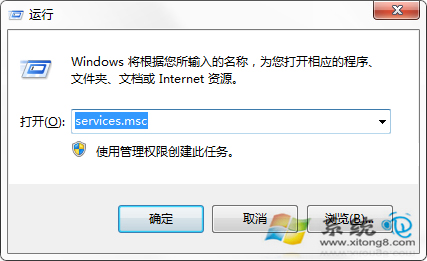
- 找到「Windows Time」 → 雙擊 → 啟動類型改「自動」 → 確定 → 重開機
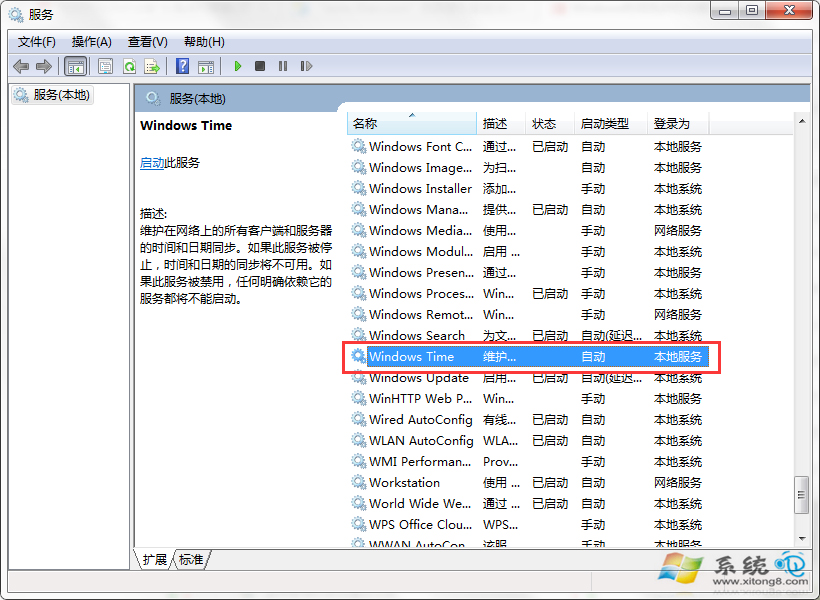
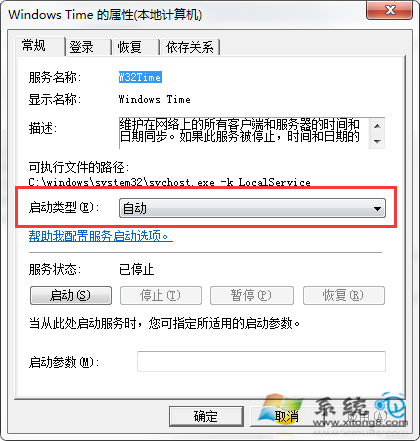
二、設定網路時間同步
- 右下角時間 → 「變更日期與時間設定」
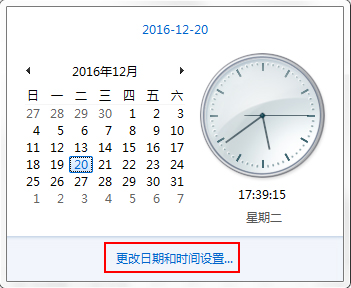
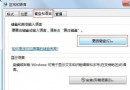
- 「網路時間」頁籤 → 「變更設定」
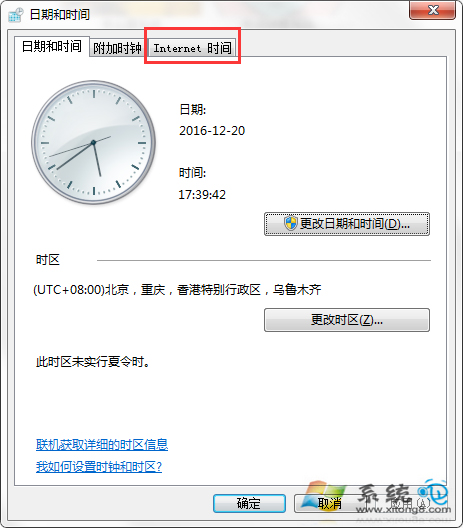
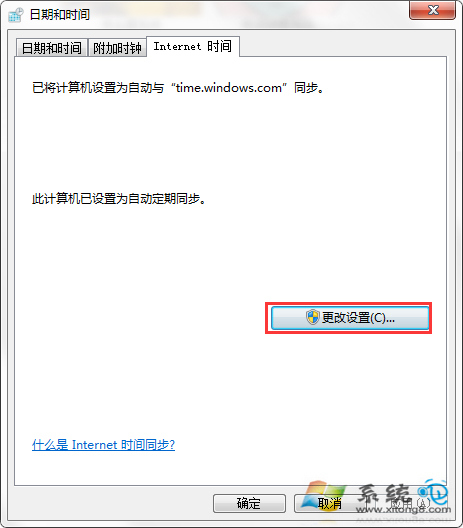
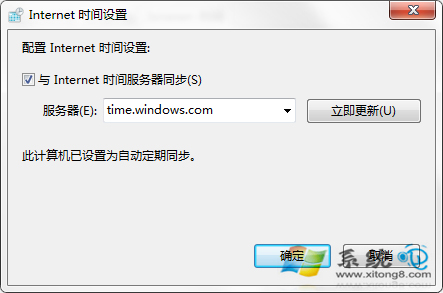
- 勾選「與網路時間伺服器同步」 → 伺服器選
time.windows.com → 「立即更新」
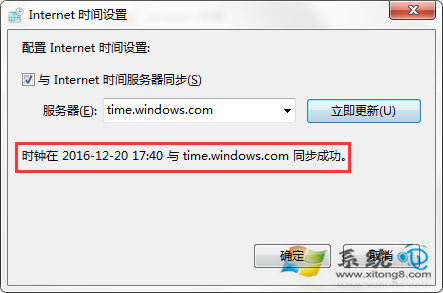
- 顯示同步成功即完成
說明
服務設定需重開機生效,之後系統將自動定期同步網路時間。