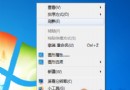
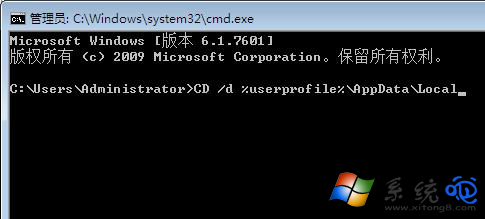
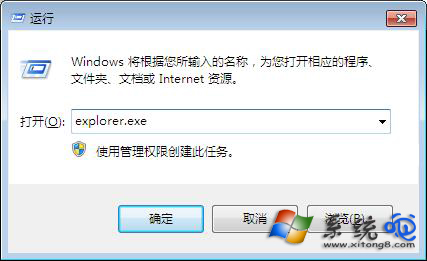
桌面捷徑圖示全變白紙,若點擊仍能開啟程式,屬圖示快取問題;若點擊無反應,屬檔案關聯錯誤。修法一(快速):桌面右鍵 →「個人化」→ 任意切換一個主題 → 圖示即刻恢復。修法二(徹底):工作管理員結束 explorer.exe → CMD 依序執行 CD /d %userprofile%\AppData\Local、DEL IconCache.db /a、EXIT → Win+R 執行 explorer.exe 重建快取。若點擊無反應:CMD 執行 assoc .lnk=lnkfile 修復捷徑關聯。

| 現象 | 成因 | 修法 |
|---|---|---|
| 圖示變白但可點擊開啟 | IconCache.db 損毀 | 更換主題(最快)或重建快取(徹底) |
| 圖示變白且點擊無反應 | .lnk 檔案關聯錯誤 | CMD 執行 assoc .lnk=lnkfile |
explorer.exe。CD /d %userprofile%\AppData\LocalDEL IconCache.db /aEXITexplorer.exe → 確定。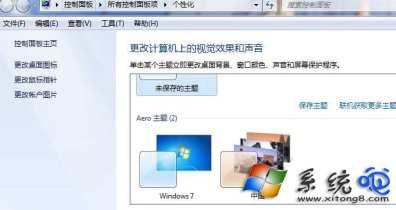
依現象選擇對應修法,通常秒級解決。