BitLocker 解鎖後預設需重啟才會再次鎖定,實際上可用指令立即鎖定。
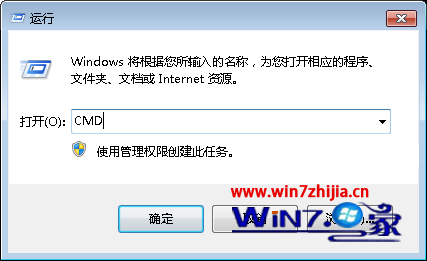
cmd
manage-bde -lock K:
K:
同理,解鎖可用 manage-bde -unlock K: -password。
manage-bde -unlock K: -password
我們真的需要第三方打補丁軟件嗎?── 系統自動更新 VS 第三方工具深度解析
Windows 7 四大熱門疑難雜症解決:資料夾共享、音量圖示、ReadyBoost、eSATA 啟動慢
Win 7防火牆封鎖特定埠入站連線:共享資料夾安全加固實戰
Win7 下 UltraISO 無法設定虛擬光碟?以系統管理員身分執行即可解決
Win7運行msconfig提示「找不到文件 msconfig.msc」?註冊表添加App Paths鍵值修復系統配置啟動路徑
Win7 降低遊戲畫質提升流暢度:DNF、CF、LOL、WoW 熱門遊戲設定圖文對照
批量刪除 Win7 Windows.old 資料夾:RD 命令 + 管理員權限 一鍵清理釋放數 GB 空間
Win7 操作中心:任務列小白旗背後的自動診斷與修復大腦