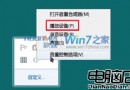
筆電跨時區移動或系統時間錯誤時,需手動調整時區。Windows 7 64 位元操作流程如下:
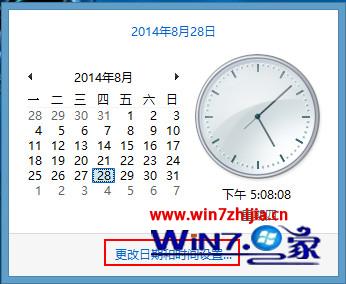
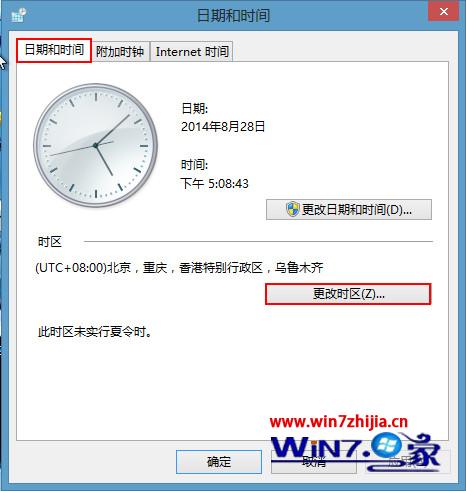
(UTC+08:00) 台北)→ 確定。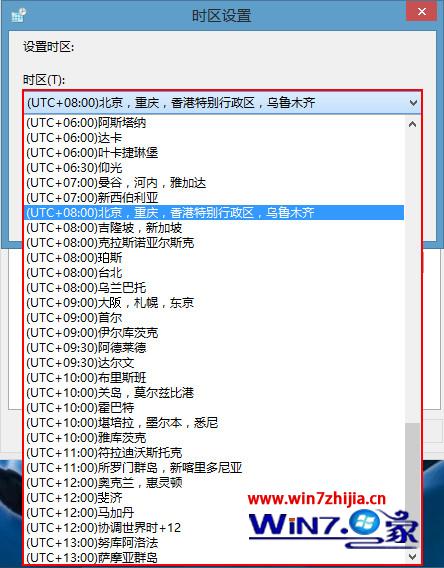
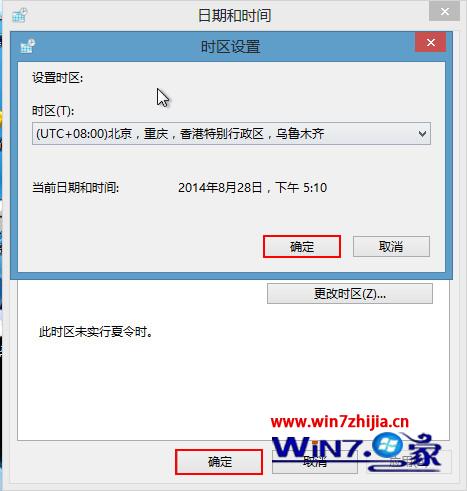
若需自動對時,可在「網路時間」索引標籤勾選「與網路時間伺服器同步處理」。
西部資料硬碟型號編碼完整解析:容量、轉速、介面、特殊版本一鍵辨識
Win7 立體桌面 (桌面視窗管理器 3D 切換) 啟用教學:建立捷徑呼叫 DwmApi #105
不裝防毒軟體 Windows 7 僅能擋 20% 病毒?UAC 非萬靈丹
Win7 檔案排序規則調整:關閉「數值排序」讓 10.jpg 排在 1.jpg 後面,符合字母順序習慣
Win7 重新安裝智慧型 ABC 輸入法:從 XP 複製核心檔案並匯入登錄教學
雨林木風 Win7 讓 MSN (Windows Live Messenger) 圖示顯示在工作列通知區域