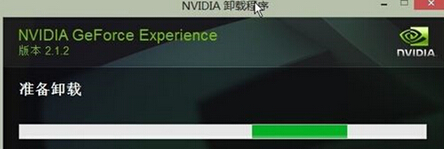
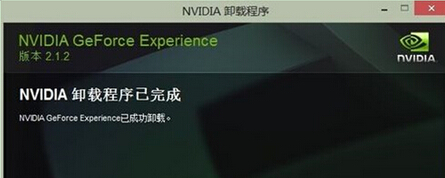
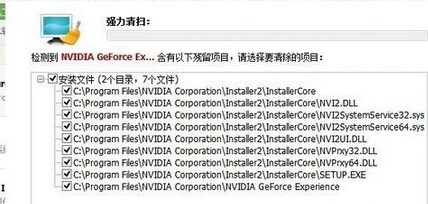
單純解除安裝 NVIDIA GeForce Experience 會留下驅動殘留檔。需搭配 360 軟體管家「強力清掃」徹底移除註冊表與資料夾殘留。
完成後可乾淨安裝新版驅動,避免版本衝突。
Win7 遠端桌面提示「您的認證無法運作」?輸入格式:電腦名稱\使用者名稱
Win7 虛擬硬碟 (VHD) 隱私保護:離線/聯機切換防止區域網路存取
Win7 語言列消失找回方法
Windows 7 部署 Android 開發環境實戰圖解 (JDK、Eclipse、SDK、ADT、AVD 全流程)
Win7 家庭群組無法存取解決:調整 LAN Manager 驗證等級與網路設定檔
Win7 工作列無法固定應用程式圖示?註冊表修復 IsShortcut 與快速啟動替代方案
Windows 7 最低硬體需求規格完整對照表(官方建議與實測經驗)
Windows 10/8.1/7 C 槽修改磁碟標籤無效解決:指令 label 強制修改