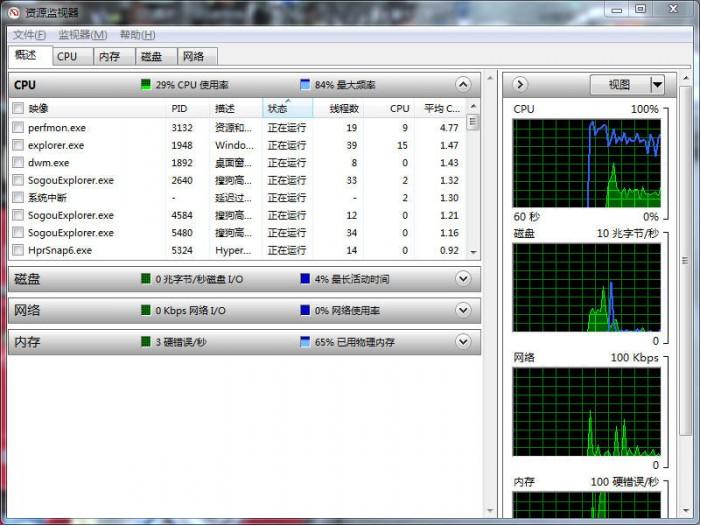
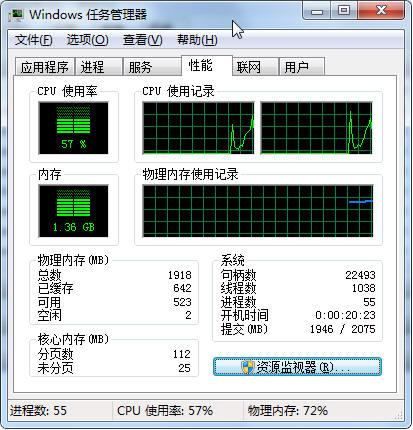
工作管理器資訊有限,Win7 內建「資源監視器」提供更詳細的即時程序、服務、網路、磁碟 I/O 監控。可建立捷徑快速啟動。
目標路徑:C:\Windows\System32\perfmon.exe /res,命名為「資源監視器」,雙擊即開啟。
C:\Windows\System32\perfmon.exe /res
介面分為 CPU、記憶體、磁碟、網路四大分頁,可依欄位排序快速找出資源佔用大戶。
如何更改 Win 7 中 WMP12 預設解碼器?完整圖文教學
Windows 7 常見棘手小故障六大解決案例:附件消失、登入介面 DIY、Aero 失效、遊戲全螢幕、音量忽大忽小、縮圖異常
Windows 7 安全模式五大修復實戰:刪除頑固檔案、系統還原、殺毒、解除群組原則鎖定、自動修復註冊表
資源佔用更少:顯示模型優化讓 Windows 7 比 Vista 更快
微軟正式推出 Windows 7 相容性中心:查詢軟硬體相容一站搞定
聯想筆記本Win7系統Fn鍵功能鍵衝突解決:BIOS設置指南
Windows 7 硬碟分割區圖示異常/損毀?重新指派磁碟機代號快速修復
Win7 移除不常用功能/驅動精簡系統:「Windows7 瘦身秘書」綠色工具一鍵刪除 20 類元件加速啟動減少佔用