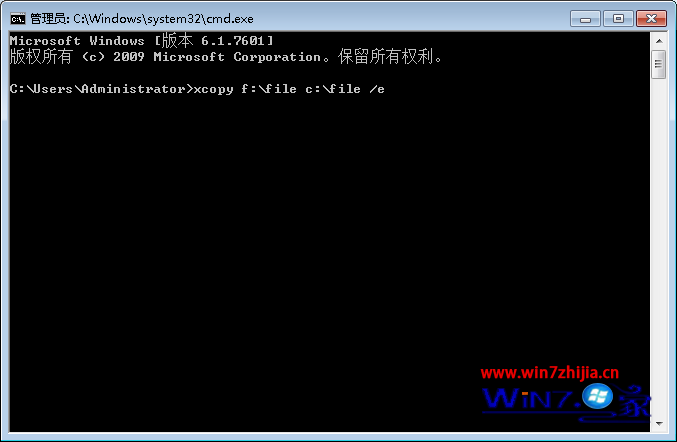
將 F:\File 複製到 C:\File(含子目錄、隱藏檔、系統檔):
xcopy F:\File C:\File /E /H /K /Y
/E:複製子目錄(含空目錄)。/H:包含隱藏與系統檔。/K:保留唯讀屬性。/Y:不提示覆蓋確認。
del 無法刪除資料夾**,僅能刪除檔案。刪除資料夾需用 rd(或 rmdir)。
:: 刪除 D:\123 及其所有內容,不提示確認
rd /S /Q D:\123
/S:刪除樹狀結構(含所有子目錄與檔案)。/Q:安靜模式,不提示確認(需搭配 /S)。del /S /Q D:\123\*.* 僅刪除資料夾**內部的檔案**,資料夾本身仍保留。rd D:\123 若資料夾非空會報錯「目錄不是空的」,必須加 /S。rd /S /Q "\\?\D:\Very\Long\Path\Folder"。rd /S /Q "%TargetDir%"。for /d 批次刪除多個符合模式的資料夾。