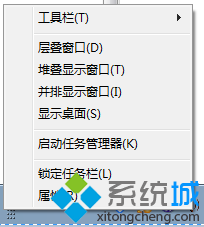
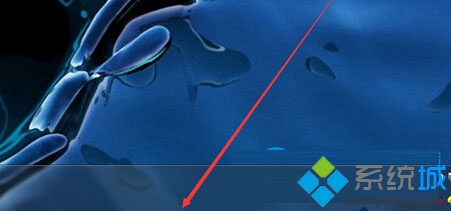
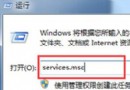
不小心將工作列高度拖寬?只需幾秒鐘即可恢復:
鎖定工作列可避免日後操作時意外改變寬度。
Win7 安裝與卸載完整指南:單系統全新安裝、雙系統重裝/移除、Ghost 還原法
Windows 分頁檔雙分區配置法:系統碟小檔保核心傾印 + 資料碟大檔減碎片
Windows 7 安裝自動建立 200MB 隱藏分區風險與避免方法
Windows 7 徹底刪除所有系統還原點釋放磁碟空間
Win 7 亂碼終極解決:安裝語言包 + 切換「非 Unicode 程式語言」同時支援簡繁體軟體
Win7 建立環境變數教學:CMD 臨時設定 vs 系統面板永久生效
Windows 7 激活機制再遭破解,新工具可永久繞過 WAT 驗證
3G 上網共享實戰:筆記本 + 3G 網卡/手機 建立無線熱點