存取網路共用資源時彈出「網路身分驗證」對話框且無法通過,通常是安全性套件 tspkg 與 credssp.dll 缺失。透過登錄表補回兩項值即可修復。
regedit → 定位:HKEY_LOCAL_MACHINE\SYSTEM\CurrentControlSet\Control\Lsa
Security Packages → 在清單末尾新增 tspkg → 確定。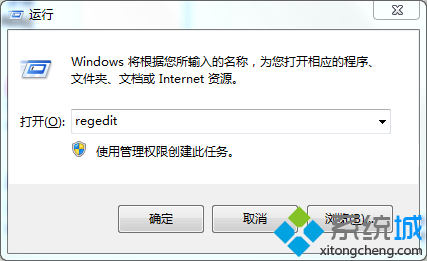
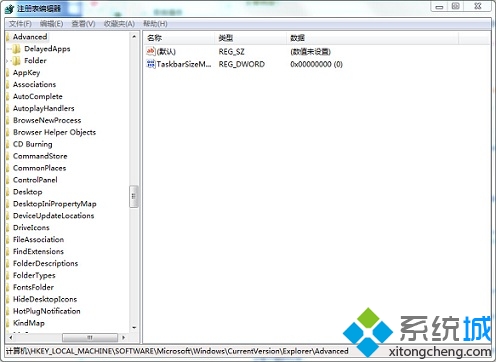
HKEY_LOCAL_MACHINE\SYSTEM\CurrentControlSet\Control\SecurityProviders
SecurityProviders → 數值資料末端加入 , credssp.dll(注意前面有逗號空格)→ 確定。此問題常見於安全性原則修改或優化工具誤刪登錄值後。修復前建議匯出相關分支備份。