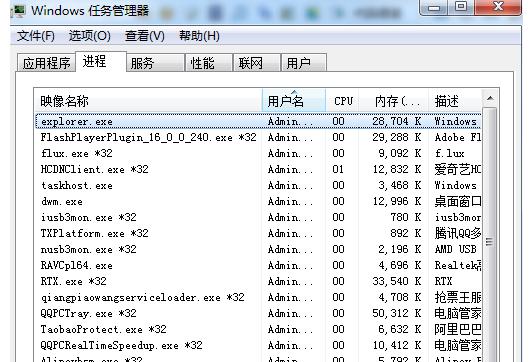
USB 裝置通知處理死循環、第三方殼擴充套件死鎖導致 explorer.exe 掛起。
explorer.exe
先備份 USB 重要資料 (若已能讀取),防止操作過程資料遺失。若頻發,參考 78093 根治建議:更新控制器驅動、清理殼擴充套件、檢查 USB 壞軌。
ThinkPad Win7 數字鍵/大小寫鎖定螢幕指示器消失?顯示卡設定一鍵找回
Win7 錯誤代碼 0x00000005 解決方案:重新安裝音效驅動程式
Windows Server 2003 安全強化:FSO 元件安全配置最佳實踐
Win7 升級 Win10 好用嗎?免費升級期限、售價與體驗差異完整分析
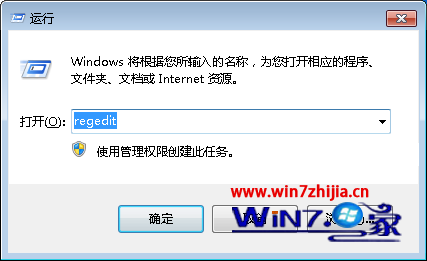
Win7 清理登錄垃圾:建立 AlwaysUnloadDLL 釋放未使用 DLL
Win7 一鍵同步所有資料夾檢視設定:資料夾選項→檢視→套用至所有資料夾
Win7 無法執行 JAR 檔?確認 Java 版本對應、啟用 Windows Installer 服務雙管齊下
Win7 桌面圖示大小調整三種方法:右鍵選單、Ctrl+滾輪、解析度設定