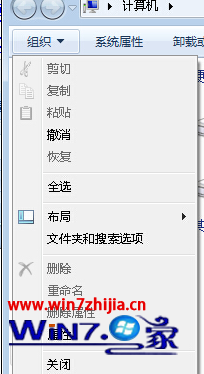
0 位元組檔案常為:
• 下載中斷殘留。
• 程式建立鎖定檔/暫存檔未清理。
• 檔案系統 MFT 記錄與實際資料不一致。
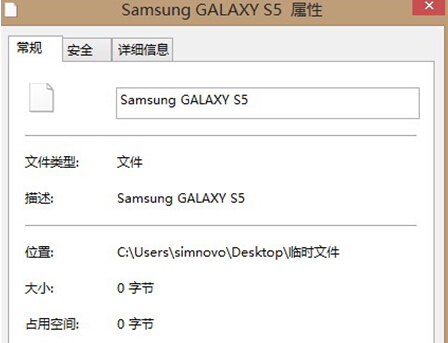
del /f /a "完整路徑\檔名"。chkdsk X: /f 修復 MFT 不一致。ren "舊名" "新名.tmp" → 再刪。• 定期磁碟清理 + CHKDSK。
• 避免強制關機/拔隨身碟。
• 使用穩定下載工具 (IDM/FDM/Motrix) 支援斷點續傳。
Win7 休眠檔案 (hiberfil.sys) 佔空間大?一行指令刪除釋放空間
Windows 7 安裝 Telnet 用戶端與伺服器:控制台啟用 Windows 功能 + 服務啟用雙步驟
Win 7 記憶體佔用高?Superfetch 機制深度解析與優化實戰
Windows 命令列高效修改註冊表:reg add 參數詳解與實戰範例
聯想筆電 Win7 無線網卡錯誤 1067?官網更新驅動 + 啟用 Wireless PAN DHCP Server 服務修復
Windows 7 msiexec.exe 進程錯誤「損壞的映像」:停用 Windows Installer 服務規避